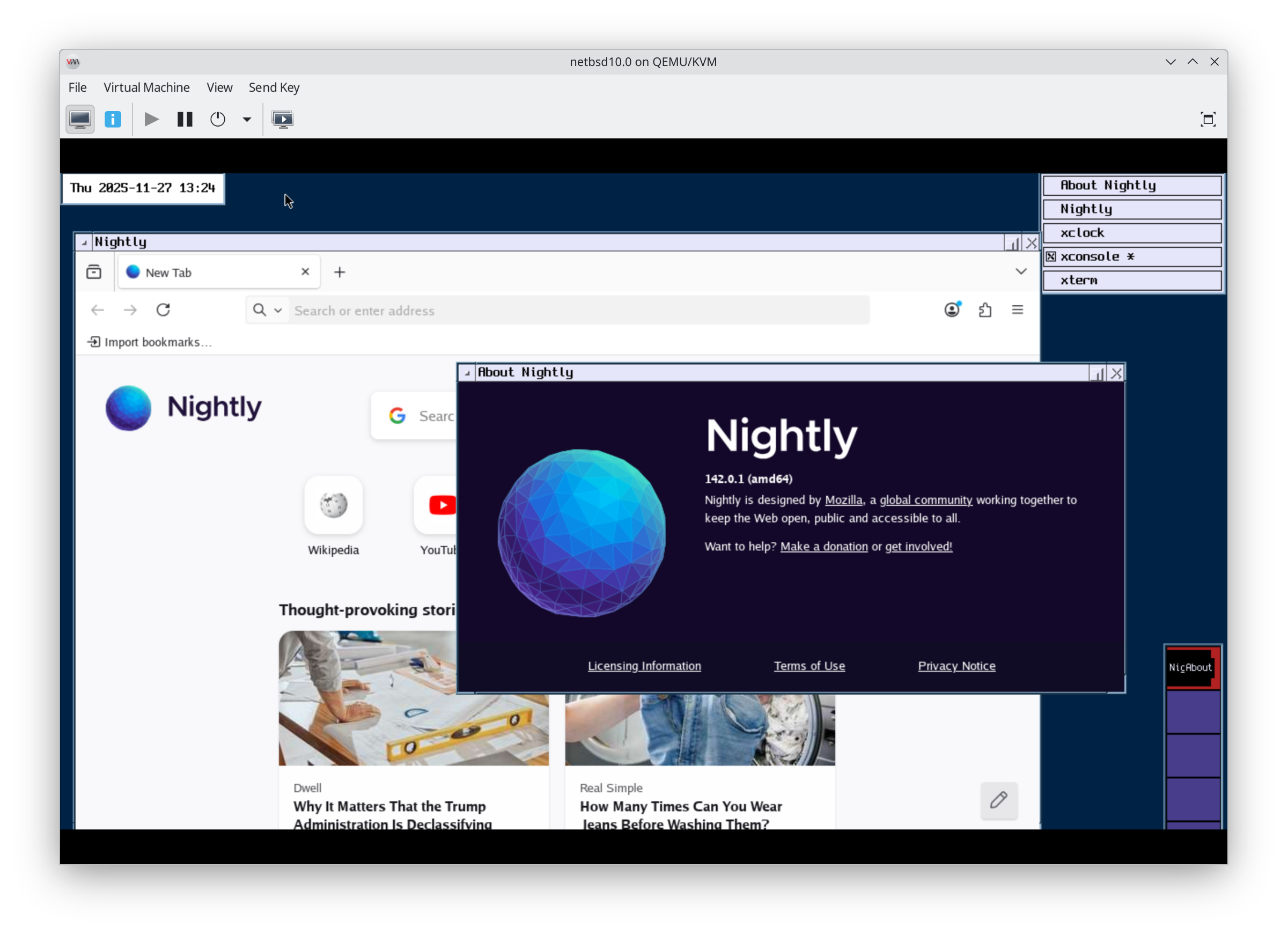
<p>I want this on hardware with network support and modern sleep for laptops. I know "Of course it runs NetBSD", but.....does it work well enough on a laptop?</p><p><a href="/tags/netbsd10/" rel="tag">#netbsd10</a> <a href="/tags/netbsd/" rel="tag">#netbsd</a> <a href="/tags/laptop/" rel="tag">#laptop</a> <a href="/tags/runbsd/" rel="tag">#runbsd</a> <a href="/tags/unix/" rel="tag">#unix</a></p>
<p>if your <a href="/tags/electronics/" rel="tag">#electronics</a> are working fine with a reasonable trade in (you get a significant amount of money off an upgrade) or your broken electronics are fixable (they probably are!) and you are considering an upgrade, you don't need an upgrade, you need to change your mindset</p><p><a href="/tags/consumerism/" rel="tag">#consumerism</a> <a href="/tags/righttorepair/" rel="tag">#righttorepair</a> <a href="/tags/laptop/" rel="tag">#laptop</a></p>
Edited 123d ago
<p>Could anyone suggest a <a href="/tags/laptop/" rel="tag">#laptop</a> series|models with 2 GPUs (I am thinking of the type with integrated & discreet kinds) that are in current, or in perhaps future, production? I may buy in 6-12 months in USA.</p><p>Purpose is to pass the extra <a href="/tags/gpu/" rel="tag">#GPU</a> device to a <a href="/tags/virtualmachine/" rel="tag">#virtualMachine</a> for GUI. I am inclined towards HP EliteBook, Dell Pro (& may be Lenovo ThinkPad if its fucking shop would work) series.</p><p>OS would likely be <a href="/tags/freebsd/" rel="tag">#FreeBSD</a> (failing that, some Linux(?)).</p><p><a href="/tags/multigpulaptop/" rel="tag">#multiGPULaptop</a> <a href="/tags/dualgpulaptop/" rel="tag">#dualGPULaptop</a></p>
Edited 94d ago
<p>Yesterday was quite the day! My replacement <a href="/tags/dell/" rel="tag">#Dell</a> battery arrived. Opened the <a href="/tags/laptop/" rel="tag">#laptop</a>, swapped the battery, powered it on. It booted up but failed to recognize my SSD and thus I couldn't boot into the OS. Strange.</p><p><a href="/tags/bios/" rel="tag">#BIOS</a> showed there wasn't a battery connected. Also strange. As per Dell's documentation, I needed to completely clear the power. Did that.</p><p>Still no disk recognized. BIOS still showed I can only boot from the NIC. Great. I found the BIOS version was severely out of date by 5-6 years. Downloaded the new firmware and flashed it successfully. The laptop *still* doesn't recognize the SSD....but does recognize I have a new battery. I guess that's an improvement.</p><p>Interestingly, while using the BIOS flash tool, the laptop can see part of the SSD as I was able to see part of Debian's /boot partition.</p><p>Never in my life did I ever expect replacing a laptop battery would cause me this much pain.</p><p>Dell Latitude 5400.</p><p>How do I get the BIOS to recognize my SSD?</p><p><a href="/tags/help/" rel="tag">#help</a> <a href="/tags/troubleshooting/" rel="tag">#troubleshooting</a></p>
<p>Students or anyone who is the need for a free Linux Laptop?</p><p>We as Laptop Revive can provide one free of charge, no background checks. Just a friendly face and some basic agreements on paper and then we hand it over somewhere in the Netherlands.</p><p>Sounds like a miracle? No fact is that we already handed out more than 100 of them ! 🙂👍</p><p>See <a href="https://laptoprevive.nl" rel="nofollow"><span class="invisible">https://</span>laptoprevive.nl</a> for the details</p><p><a href="/tags/laptop/" rel="tag">#laptop</a> <a href="/tags/free/" rel="tag">#free</a> <a href="/tags/laptoprevive/" rel="tag">#LaptopRevive</a> <a href="/tags/student/" rel="tag">#student</a></p><p><a href="/tags/boosts/" rel="tag">#Boosts</a> are welcome</p>