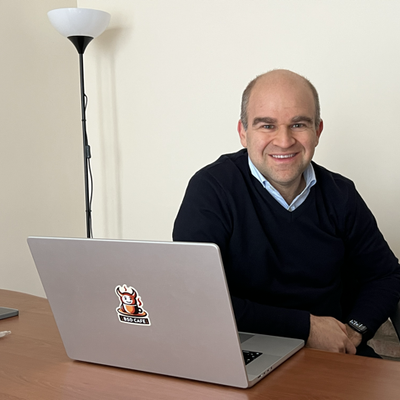
<p>Sometimes surprises come when you least expect them. A few months ago, I helped an acquaintance install a <a href="/tags/mikrotik/" rel="tag">#MikroTik</a> router at his house. He is very happy with it; it does excellent load balancing and failover over 4G. <br>A little while ago, he sent me a message about how "Back to Home" helped him bypass the limited connection at the hotel he is currently in.</p><p>I hadn't tried it yet, so I did a couple of tests. </p><p>It's really practical and quick to set up. Well done, MikroTik! <span class="h-card"><a href="https://mikrotik.social/@mikrotik" class="u-url mention" rel="nofollow noopener noreferrer" target="_blank">@<span>mikrotik</span></a></span> </p><p><a href="/tags/networking/" rel="tag">#Networking</a> <a href="/tags/vpn/" rel="tag">#VPN</a></p>
mikrotik

Right that's me ordered a <a href="/tags/mikrotik/" rel="tag">#MikroTik</a> cAP ax. I've only ordered one for now which will replace the UniFi AC Pro that is mounted on the upstairs landing ceiling. If I feel I need another once I'm happy with the first one then I'll fit it in the living room as I've cables run there too.<br>

<p>If you are thinking about tinkering with your homelab, but are new to it or not sure what you’re doing, we’d be happy to help. </p><p>We are an authorized vendor or partner for some cool products:<br>👉 <span class="h-card"><a href="https://1password.social/@1password" class="u-url mention" rel="nofollow noopener noreferrer" target="_blank">@<span>1password</span></a></span> password management<br>👉 Duo MFA and SSO <br>👉 <span class="h-card"><a href="https://mikrotik.social/@mikrotik" class="u-url mention" rel="nofollow noopener noreferrer" target="_blank">@<span>mikrotik</span></a></span> networking hardware<br>👉 Ubiquiti networking gear<br>👉 45Drives servers and NAS</p><p>All consultations are free, and we’ll give any Fedi-friends a sweet deal on anything else! <img src="https://neodb.social/media/emoji/toot.exchange/neocat_fingerguns.png" class="emoji" alt=":neocat_fingerguns:" title=":neocat_fingerguns:"></p><p>Email sales @ sasquatchnetworks.com or DM us with any questions you might have!</p><p><a href="/tags/techsupport/" rel="tag">#techsupport</a> <a href="/tags/homelab/" rel="tag">#homelab</a> <a href="/tags/networking/" rel="tag">#networking</a> <a href="/tags/server/" rel="tag">#server</a> <a href="/tags/cloud/" rel="tag">#cloud</a> <a href="/tags/linux/" rel="tag">#linux</a> <a href="/tags/sysadmin/" rel="tag">#sysadmin</a> <a href="/tags/selfhosting/" rel="tag">#selfhosting</a> <a href="/tags/1password/" rel="tag">#1password</a> <a href="/tags/mikrotik/" rel="tag">#mikrotik</a></p>
Edited 195d ago
Well this wasn't due until tomorrow. Guess I've a new toy to play with now a Mikrotik cAP AX.<br><a href="/tags/mikrotik/" rel="tag">#Mikrotik</a> <a href="/tags/homelab/" rel="tag">#HomeLab</a><br>
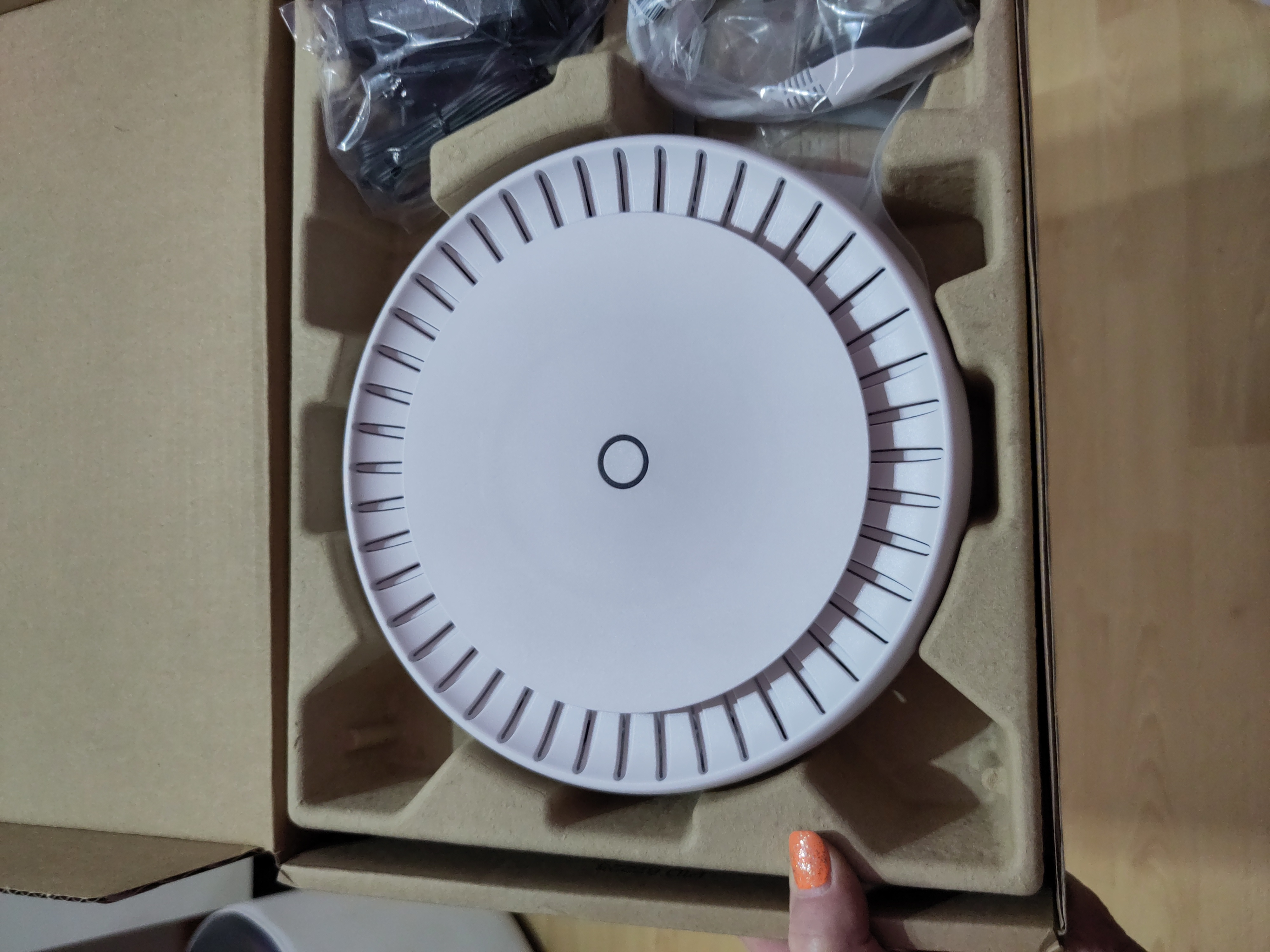
So I've got my <a href="/tags/mikrotik/" rel="tag">#Mikrotik</a> cAP ax mounted and the <a href="/tags/unifi/" rel="tag">#UniFi</a> equipment removed from my <a href="/tags/homelab/" rel="tag">#Homelab</a> successfully. I've also integrated it into <a href="/tags/homeassistant/" rel="tag">#HomeAssistant</a> just because with it's own user and group using the api. So far so good and yes there are a lot of settings in the MikroTik and it takes some understanding but I got there in the end. Even upgraded it and made backups. 😁<br>