

<p>Popular across social networks, these profile pictures are designed to represent you! Tell me your style! Would you like your character to be holding Coffee, a Book, or an iPhone? Wearing a Panda suit? Sure, you got it!</p><p><a href="https://www.andycarolan.com/work/profile-pictures" rel="nofollow" class="ellipsis" title="www.andycarolan.com/work/profile-pictures"><span class="invisible">https://</span><span class="ellipsis">www.andycarolan.com/work/profi</span><span class="invisible">le-pictures</span></a></p><p><a href="/tags/design/" rel="tag">#Design</a> <a href="/tags/illustration/" rel="tag">#Illustration</a> <a href="/tags/portfolio/" rel="tag">#Portfolio</a></p>
portfolio



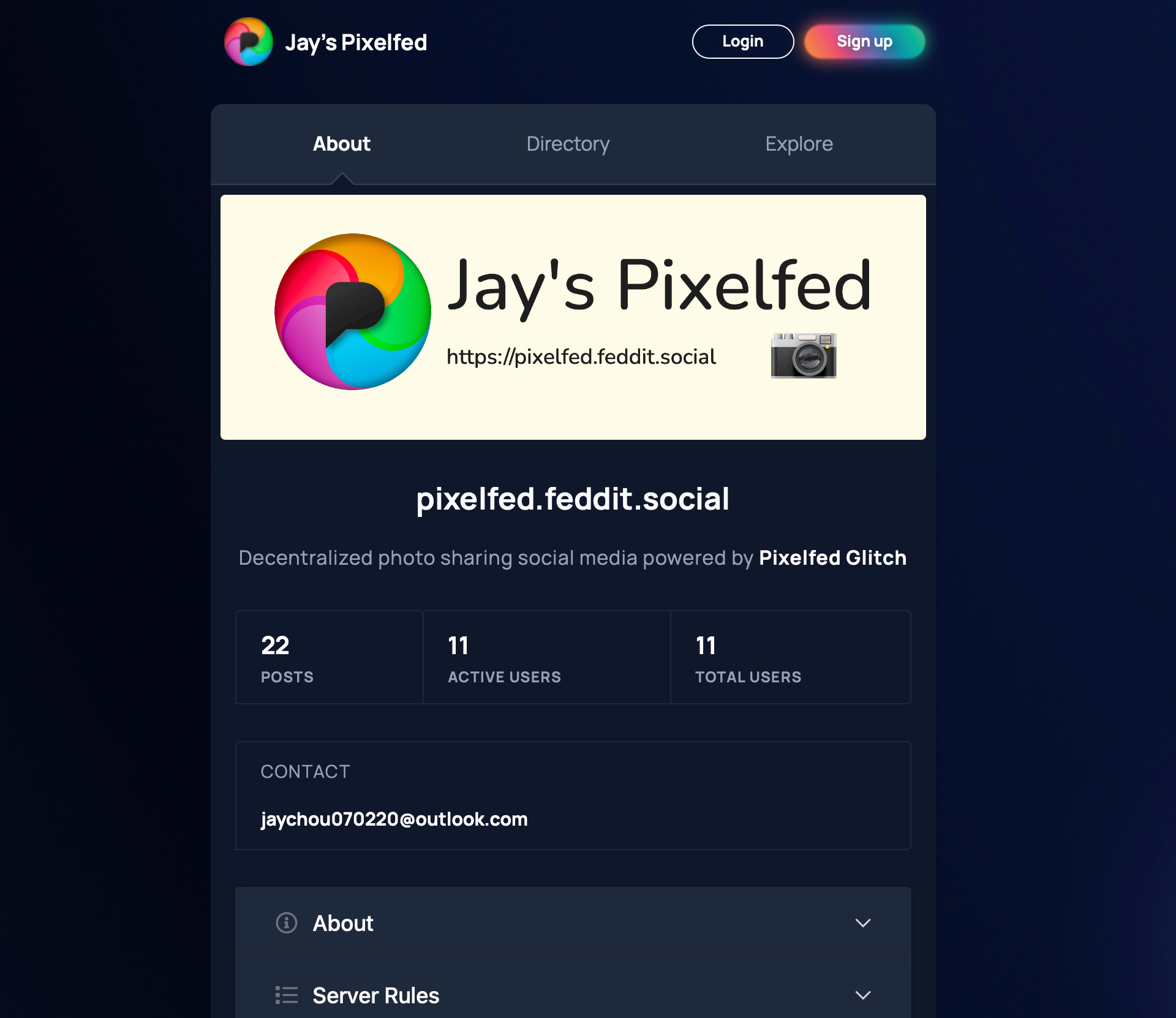
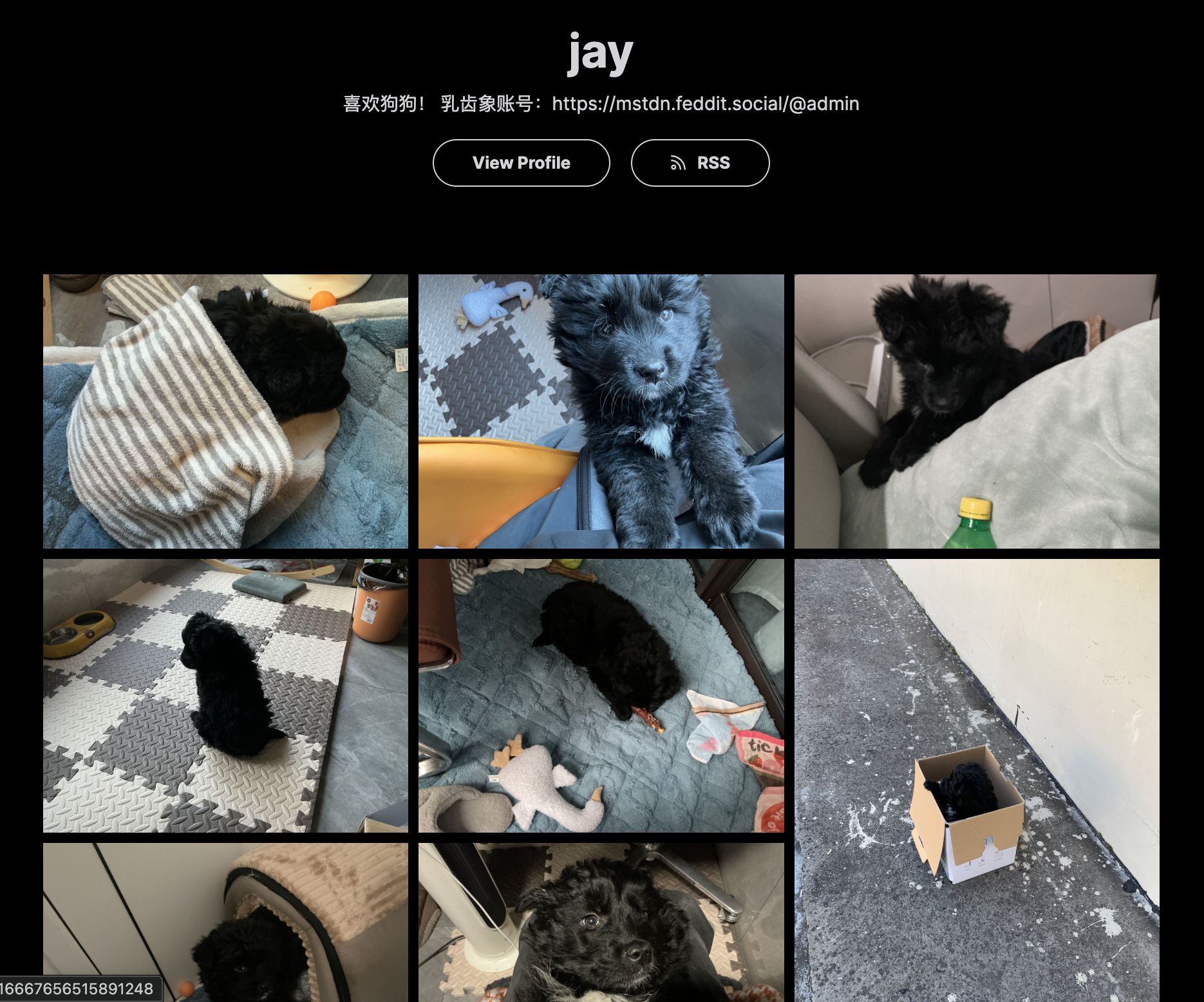
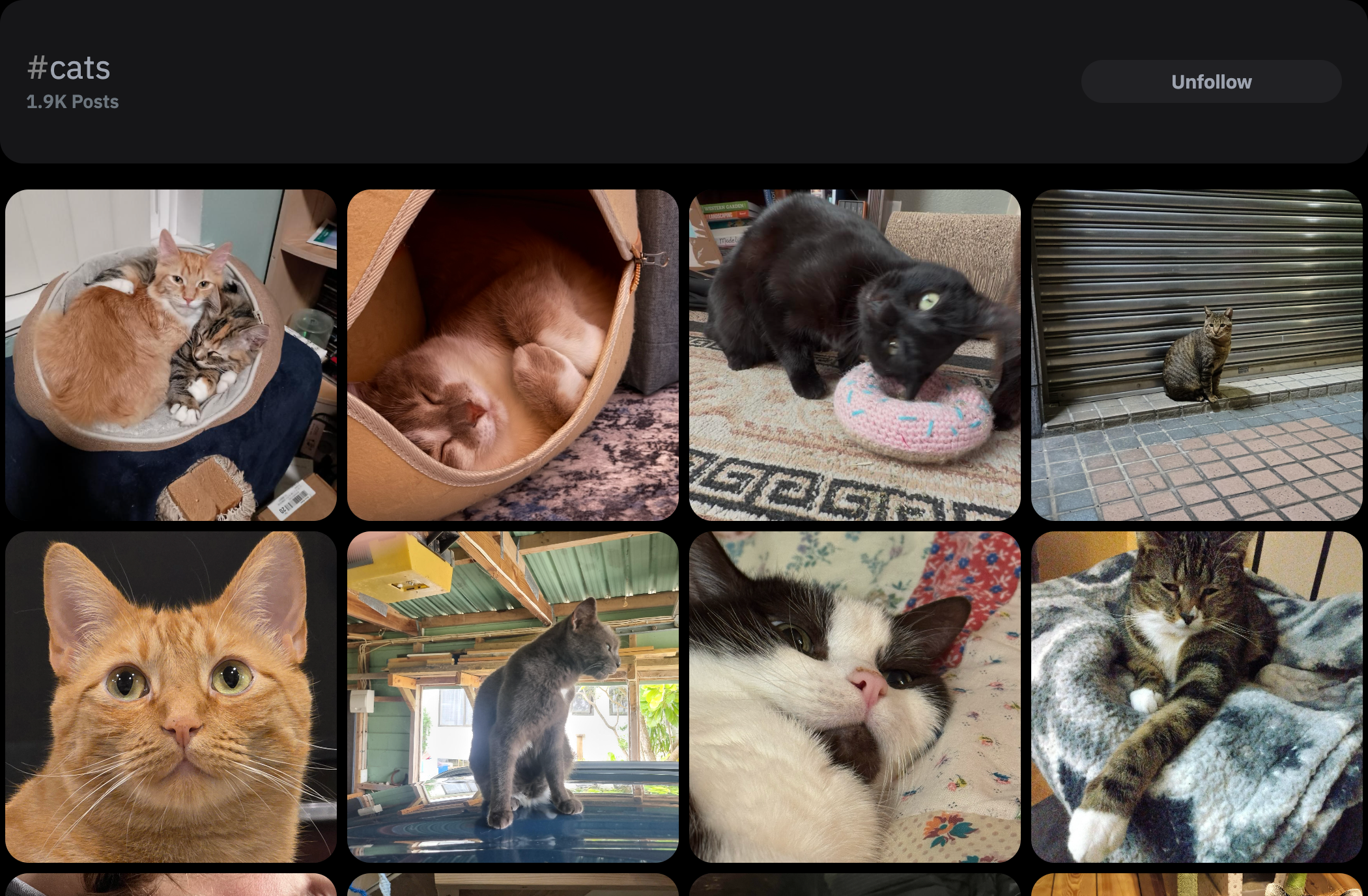
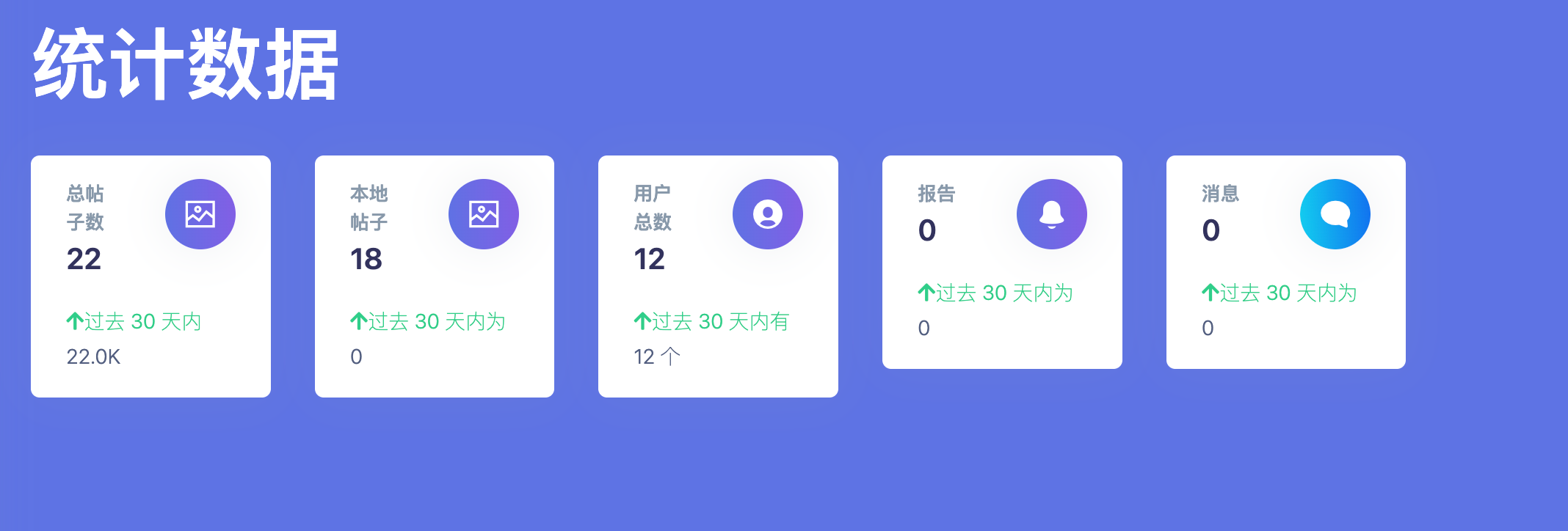
<p>RE: <a href="https://mstdn.feddit.social/@admin/115995995293010716" rel="nofollow" class="ellipsis" title="mstdn.feddit.social/@admin/115995995293010716"><span class="invisible">https://</span><span class="ellipsis">mstdn.feddit.social/@admin/115</span><span class="invisible">995995293010716</span></a></p><p><span class="h-card"><a href="https://ovo.st/club/board" class="u-url mention" rel="nofollow noopener noreferrer" target="_blank">@<span>board</span></a></span> 感谢香油们的捧场,本站用户已经增加到了13人,为了扫除香油们注册时的障碍,暂时完全开放注册: <a href="https://pixelfed.feddit.social/register" rel="nofollow" class="ellipsis" title="pixelfed.feddit.social/register"><span class="invisible">https://</span><span class="ellipsis">pixelfed.feddit.social/registe</span><span class="invisible">r</span></a></p><p>下面是Jay's Pixelfed的使用指南,本帖非AI生成,完全由人工完成,请放心食用:</p><p>⚠️关于无法添加个人资料(抱歉打扰了)⚠️<br>1. 由于开启了开放注册,本站没有提示需要验证邮箱<br>2. 登录后请立即前往 <a href="https://pixelfed.feddit.social/settings/email" rel="nofollow" class="ellipsis" title="pixelfed.feddit.social/settings/email"><span class="invisible">https://</span><span class="ellipsis">pixelfed.feddit.social/setting</span><span class="invisible">s/email</span></a> 确保你的邮箱已被验证;<br>3. 如果没有,请发送邮件并验证,否则将无法添加个人资料和使用本站<br>参考:<a href="https://mstdn.feddit.social/@admin/116000420987312005" rel="nofollow" class="ellipsis" title="mstdn.feddit.social/@admin/116000420987312005"><span class="invisible">https://</span><span class="ellipsis">mstdn.feddit.social/@admin/116</span><span class="invisible">000420987312005</span></a></p><p>关于Pixelfed:<br>本站主页:<a href="https://pixelfed.feddit.social" rel="nofollow"><span class="invisible">https://</span>pixelfed.feddit.social</a><br>Pixelfed的目的是专注于图像和视频,致力于“探索和分享精美照片和视频”;<br>Pixelfed拥有全联邦宇宙第二大实例,由@dansup开发,他也是fedidb.com和Loops的开发者;<br>Pixelfed拥有14万月活跃用户,是全联邦宇宙No.2,仅次于No.1的Mastodon的104万。</p><p>关于作品集:My Portfolio<br>1. LayOut:Grid栅格,Masonry瀑布流,Album每页一张<br>2. Configuration:选择Curated Post,开启精选帖子/选择Most Recent Post,展示最近的帖子<br>3. Curate:选择展示的图片,从最近的100条帖子中选择最多100张照片,仅支持公开照片帖子,不支持视频。<br>4. 支持RSS<br>5. 测试展示:<a href="https://pixelfed.feddit.social/i/portfolio/jay" rel="nofollow" class="ellipsis" title="pixelfed.feddit.social/i/portfolio/jay"><span class="invisible">https://</span><span class="ellipsis">pixelfed.feddit.social/i/portf</span><span class="invisible">olio/jay</span></a> </p><p>Collections:<br>1. 用于管理庞大的帖子,比如创建:“生活”、“狗狗”、“猫猫”<br>2. 测试展示:<a href="https://pixelfed.feddit.social/c/915978747152515086" rel="nofollow" class="ellipsis" title="pixelfed.feddit.social/c/915978747152515086"><span class="invisible">https://</span><span class="ellipsis">pixelfed.feddit.social/c/91597</span><span class="invisible">8747152515086</span></a></p><p>Archives:<br>1. 黑历史帖子,不想删掉,选择Archive封存他们<br>2. 其他用户只能看到你的Posts、Collections,不能看到Archives、Bookmarks、Likes</p><p>两种换头像的办法:<br>1. Profile——Edit Profile——更改个人资料照片——上传图片(头像需要单独点击上传,jpeg/png 格式最大10 MB)<br>2. 点击头像旁的齿轮⚙️,上传图片(jpg/png最大2MB)</p><p>关于Profile:<br>1. Website可以填你的Mastodon账户链接<br>2. Bio可以用来简单介绍你自己<br>3. Pronouns可以多选<br>4. 填写完需要Submit保存修改</p><p>关于Spam:<br>1. 如果你被提示“You recent post has been unlisted.”,可能是由于你的帖子含有链接或者有类似“💓”的暗示性emoji;<br>2. 目前已暂时关闭Spam detection。</p><p>信息源:<br>Tag:<br>1. 如果你希望你的帖子被同好看到,请给你的帖子打上合理的Tag<br>2. 如果你想看到同好的帖子,请搜索并关注Tag,比如Dogs、Cats<br>3. 管理关注的Tag: <a href="https://pixelfed.feddit.social/settings/relationships/home?mode=hashtags&page=1" rel="nofollow" class="ellipsis" title="pixelfed.feddit.social/settings/relationships/home?mode=hashtags&page=1"><span class="invisible">https://</span><span class="ellipsis">pixelfed.feddit.social/setting</span><span class="invisible">s/relationships/home?mode=hashtags&page=1</span></a><br>4. 关注转发机器人也是一个快速丰富时间线的好选择:<br>摄影:<span class="h-card"><a href="https://newsmast.community/@photography" class="u-url mention" rel="nofollow noopener noreferrer" target="_blank">@<span>photography</span></a></span><br>宠物:<span class="h-card"><a href="https://newsmast.community/@pets" class="u-url mention" rel="nofollow noopener noreferrer" target="_blank">@<span>pets</span></a></span><br>宇宙:<span class="h-card"><a href="https://newsmast.community/@space" class="u-url mention" rel="nofollow noopener noreferrer" target="_blank">@<span>space</span></a></span></p><p>小技巧:<br>1. 点击头像——Appearance——Dark Mode更护眼<br>Creat New Post:<br>2. 发帖时可以通过Tag People标记某人,他们会收到通知<br>3. 可以在编辑帖子时修改Audience,选择Public、Unlisted、FollowersOnly,<br>4. 可以Add Location添加地址(支持中国但是不推荐)<br>5. 可以在Advance dSettings开启Turn off commenting关闭评论区<br>6. 修改本地语言:<a href="https://pixelfed.feddit.social/i/web/language" rel="nofollow" class="ellipsis" title="pixelfed.feddit.social/i/web/language"><span class="invisible">https://</span><span class="ellipsis">pixelfed.feddit.social/i/web/l</span><span class="invisible">anguage</span></a> (遗憾的是Pixelfed-Glitch不支持中文界面)</p><p>隐私:<br>来到:<a href="https://pixelfed.feddit.social/settings/security" rel="nofollow" class="ellipsis" title="pixelfed.feddit.social/settings/security"><span class="invisible">https://</span><span class="ellipsis">pixelfed.feddit.social/setting</span><span class="invisible">s/security</span></a><br>1. Include public posts in search results:允许你的公开帖子被搜索到<br>2. Show on Directory:展示你的Profile在本站Directory<br>3. Manually Review Follow Requests:手动审核关注</p><p>安全:<br>来到 <a href="https://pixelfed.feddit.social/settings/security" rel="nofollow" class="ellipsis" title="pixelfed.feddit.social/settings/security"><span class="invisible">https://</span><span class="ellipsis">pixelfed.feddit.social/setting</span><span class="invisible">s/security</span></a><br>1. Two-factor authentication:开启双重验证<br>2. Temporarily Disable Account:暂时禁用账户直到下次登录<br>3. Delete this Account:删除账户,无法恢复</p><p>时间线:<br>来到:<a href="https://pixelfed.feddit.social/settings/timeline" rel="nofollow" class="ellipsis" title="pixelfed.feddit.social/settings/timeline"><span class="invisible">https://</span><span class="ellipsis">pixelfed.feddit.social/setting</span><span class="invisible">s/timeline</span></a><br>1. Show reblogs:展示转发,建议开启<br>2. Photo reblogs only:主页只显示转发</p><p>兼容性:<br>1. 如果你的帖子显示No—Preview,请等待并刷新,如果还是无法显示,请复制你的帖子内容重新发布(罕见,但是万一出现,十分抱歉);<br>2. 视频MOV请在Apple设备的相册上传;<br>3. 由于Mastodon限制,Mastodon一次性最多看到4张图片,这是Mastodon API决定的,但是Pixelfed用户仍能发送、看到最多9张图片。</p><p>管理与发帖:<br>1. 日常发帖推荐使用Phanpy:<a href="https://dev.phanpy.social" rel="nofollow"><span class="invisible">https://</span>dev.phanpy.social</a><br>2. 管理账户推荐直接登录实例: <a href="https://pixelfed.feddit.social" rel="nofollow"><span class="invisible">https://</span>pixelfed.feddit.social</a></p><p>Server Rules:<br>1. 未经他人明确同意,请勿发布或分享他人的个人信息<br>2. 任何仇恨言论、威胁或任何形式的欺凌都不被容忍<br>3. 禁止直接发生露骨内容,请使用内容警告功能<br>4. 禁止任何二/三次元的儿童色情内容<br>5. 禁止任何血腥暴力内容</p><p>管理信息:<br>1. 添加了服务器横幅<br>2. 完善了更多的服务器配置<br>3. 暂时开放注册<br>4. 如有问题,请直接在评论区留言,记得删除[@]board[@]ovo.st~</p><p><a href="/tags/pixelfed/" rel="tag">#pixelfed</a> <a href="/tags/mastodon/" rel="tag">#mastodon</a> <a href="/tags/photography/" rel="tag">#photography</a> <a href="/tags/sysadmin/" rel="tag">#sysadmin</a> <a href="/tags/portfolio/" rel="tag">#Portfolio</a> <a href="/tags/fedivese/" rel="tag">#Fedivese</a> <a href="/tags/长毛象安利大会/" rel="tag">#长毛象安利大会</a></p>
Edited 63d ago