
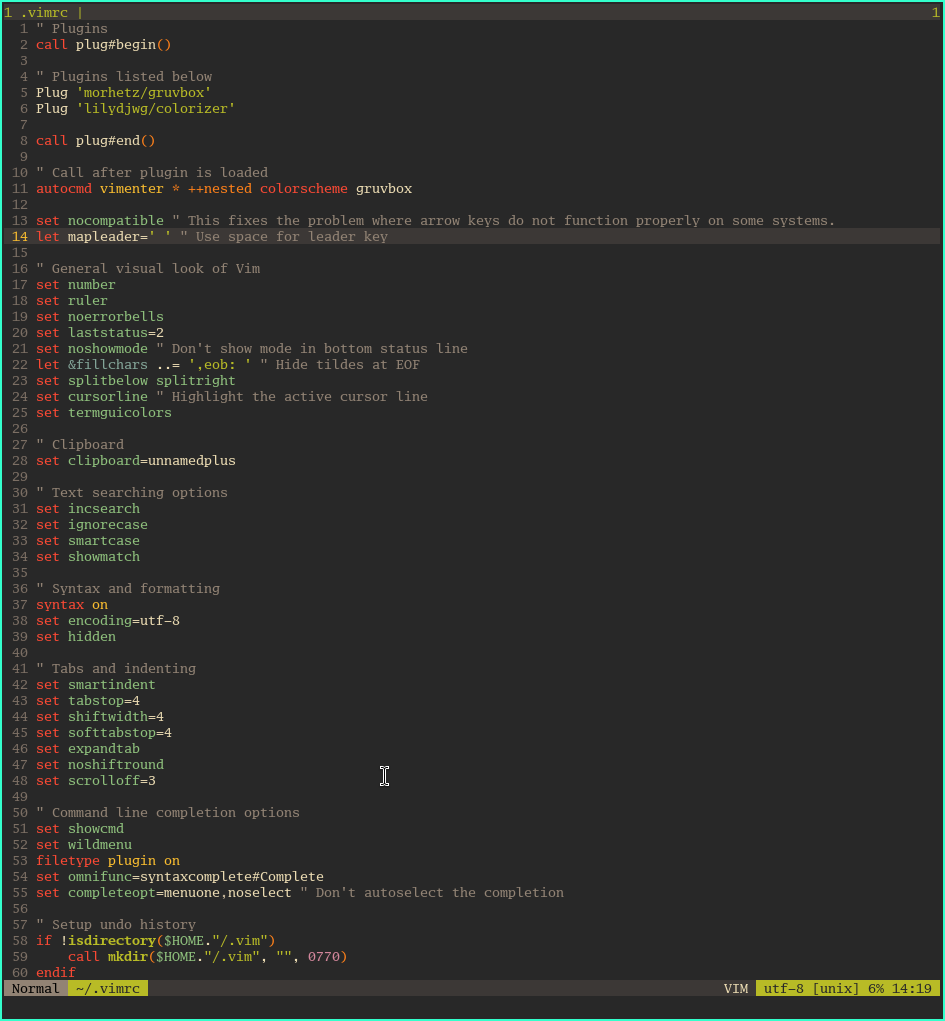
So far in my .vimrc I have one solitary plugin morhetz/gruvbox. I will add more but not lots as I quite like minimal. <a href="/tags/vim/" rel="tag">#Vim</a> <a href="/tags/openbsd/" rel="tag">#OpenBSD</a><br>
vim
I'm a <a href="/tags/neovim/" rel="tag">#Neovim</a> user but those voices in my head keep trying to persuade me to use <a href="/tags/vim/" rel="tag">#Vim</a> instead. I've spent days reading folks configs and reasons for and against and no I'm not considering Vi, Ed or the church. I've tried Helix too and it's just not suited the back to my roots style. I'm loving <a href="/tags/openbsd/" rel="tag">#OpenBSD</a> with ksh and I don't know why but Vim just keeps calling. Think the only way to resolve this would be to run both side by side ??? I guess I'm just showing my age by going old school. <a href="/tags/runbsd/" rel="tag">#RunBSD</a><br>
Oooh how have I only just discovered omni completion for <a href="/tags/vim/" rel="tag">#Vim</a> ? You can almost get away with not having a plugin like neoclide/coc.nvim. I might try this method and see how I get on.<br><br>You just add this to your ~/.vimrc and operate as below.<br><br><p>filetype plugin on<br>set omnifunc=syntaxcomplete<a href="/tags/complete/" rel="tag">#Complete</a><br></p>To invoke omni completion, press the Ctrl + x key combination () and then press one of the following key combinations to get the desired result:<br><p><Ctrl + ]>: Tags file completion<br><Ctrl + d>: Definition completion<br><Ctrl + f>: Filename completion (based on files in $PWD)<br><Ctrl + i>: Path pattern completion<br><Ctrl + k>: Dictionary completion<br><Ctrl + l>: Whole line completion<br><Ctrl + n>: Keyword local completion<br><Ctrl + o>: Omni completion completion<br><Ctrl + v>: Command line completion<br></p><a href="/tags/runbsd/" rel="tag">#RunBSD</a><br>
Edited 135d ago
Interesting read on using netrw instead of nerdtree in <a href="/tags/vim/" rel="tag">#Vim</a> . I think I'll try this out and that'll be another often used plugin crossed off of my list. 💪<br><br><a href="https://shapeshed.com/vim-netrw/" rel="nofollow"><span class="invisible">https://</span>shapeshed.com/vim-netrw/</a><br><br><br>
I still cannot believe that I only have one plugin installed in my new <a href="/tags/vim/" rel="tag">#Vim</a> config and yet in my <a href="/tags/neovim/" rel="tag">#Neovim</a> you can see below what I have installed. Yes I know I've not got the same functionality as with all those plugins but I'm trying to see how minimal I can go and still get by. I am enjoying this journey so far and may well stay with team vim. Also I might still add a couple more plugins to my vim config if I need ?<br><br><p>alpha<br>indent-blankline<br>mason<br>nvim-tree<br>vim-illuminate<br>colorizer<br>noice<br>nvim-treesitter<br>whichkey<br>comment<br>lualine-nvim<br>nvim-cmp<br>nvim-web-devicons<br>gruvbox<br>mason-lspconfig<br>nvim-lspconfig<br>telescope<br></p>
Who needs a plugin for commenting in <a href="/tags/vim/" rel="tag">#vim</a> when you can just use visual block mode.<br><br><p>First, move the cursor to the first char of the first line in block code you want to comment, then type Ctrl + v.</p>Then vim will go into VISUAL BLOCK mode.<br><p>Use j to move the cursor down until you reach the last line of your code block. Then type: Shift + i<br>Now vim goes to INSERT mode and the cursor is at the first char of the first line. Finally, type # then ESC and the code block is now commented.</p>Note that at first sight, the editing does not seem to differ from changing a single line. The changes will only be applied to the whole block after hitting ESC.<br><br>To uncomment, do the same things but instead of type Shift + i, you just type x to remove all # after highlight them in VISUAL BLOCK mode.<br>
Edited 135d ago
Another TIL using <a href="/tags/vim/" rel="tag">#vim</a><br><br>If you move the cursor over a word say printf and press K (upper case K) the manpage for printf should appear.<br>
Hmmmm make my own custom tab / statusline and have my .vimrc grow or just use the vim-airline plugin? <a href="/tags/vim/" rel="tag">#vim</a><br><br><a href="https://github.com/vim-airline/vim-airline" rel="nofollow" class="ellipsis" title="github.com/vim-airline/vim-airline"><span class="invisible">https://</span><span class="ellipsis">github.com/vim-airline/vim-air</span><span class="invisible">line</span></a><br>
I reckon this quote by Steven Jay Cohen on Reddit just about sums up the reason why I'm considering going back to <a href="/tags/vim/" rel="tag">#vim</a> . The only diffence is that I will have a couple of plugins but nothing as convoluted as my present Neovim setup.<br><p>Because I realized that all of the thing that I truly needed to do were part of Vim's Core Functionality. And, that many of the plugins I had installed just re-implemented core Vim features in slightly different ways.<br><br>So, I got myself used to the native Vim way of doing things, and dumped all of the plugins one by one. And now, I just open Vim and get work done with very little left to tweak in a streamlined vimrc.<br></p><a href="https://www.reddit.com/r/vim/comments/16cdbyd/comment/jziruaw/" rel="nofollow" class="ellipsis" title="www.reddit.com/r/vim/comments/16cdbyd/comment/jziruaw/"><span class="invisible">https://</span><span class="ellipsis">www.reddit.com/r/vim/comments/</span><span class="invisible">16cdbyd/comment/jziruaw/</span></a><br>
Edited 134d ago
I reckon this quote by Steven Jay Cohen on Reddit just about sums up the reason why I'm considering going back to <a href="/tags/vim/" rel="tag">#vim</a> . The only diffence is that I will have a couple of plugins but nothing as convoluted as my present Neovim setup.<br><p>Because I realized that all of the thing that I truly needed to do were part of Vim's Core Functionality. And, that many of the plugins I had installed just re-implemented core Vim features in slightly different ways.<br><br>So, I got myself used to the native Vim way of doing things, and dumped all of the plugins one by one. And now, I just open Vim and get work done with very little left to tweak in a streamlined vimrc.<br></p><a href="https://www.reddit.com/r/vim/comments/16cdbyd/comment/jziruaw/" rel="nofollow" class="ellipsis" title="www.reddit.com/r/vim/comments/16cdbyd/comment/jziruaw/"><span class="invisible">https://</span><span class="ellipsis">www.reddit.com/r/vim/comments/</span><span class="invisible">16cdbyd/comment/jziruaw/</span></a><br>
Edited 134d ago
It might be increasing the code in my .vimrc but do you know what ? Building my own status and tabline is so much fun and I'm learning new stuff as I progress. <a href="/tags/vim/" rel="tag">#vim</a><br>
The deed is done and I am now solely using <a href="/tags/vim/" rel="tag">#vim</a>. I have removed neovim and node along with their config.<br>
Hmmm I'm trying to change the mode color in <a href="/tags/vim/" rel="tag">#vim</a> and these lines work but the last one does not as it needs double quotes but you can't use them there.<br><br><p>set statusline+=%<a href="/tags/diffadd/" rel="tag">#DiffAdd</a>#%{(mode()=='n')?'\ \ NORMAL\ ':''}<br>set statusline+=%<a href="/tags/color458588/" rel="tag">#Color458588</a>#%{(mode()=='i')?'\ \ INSERT\ ':''}<br>set statusline+=%<a href="/tags/replacecolor/" rel="tag">#ReplaceColor</a>#%{(mode()=='R')?'\ \ REPLACE\ ':''}<br>set statusline+=%<a href="/tags/visualcolor/" rel="tag">#VisualColor</a>#%{(mode()=='v')?'\ \ VISUAL\ ':''}<br>set statusline+=%<a href="/tags/pmenusel/" rel="tag">#PmenuSel</a>#%{(mode()=='\<C-V>')?'\ \ BLOCK\ ':''}<br></p>How can I get that last line to work for visual block ????<br>
Feeling proud as I got my <a href="/tags/vim/" rel="tag">#vim</a> statusline working and to my liking without a plugin. I have to say the docs in vim are amazing. Next is to make a custom tabline too. Yes I have two plugins which are listed below just for the theme and highlighting html codes.<br><br><p>Plug 'morhetz/gruvbox'<br>Plug 'lilydjwg/colorizer'<br></p>

Yes ! Got a bufferline added to to <a href="/tags/vim/" rel="tag">#vim</a> config that shows the open tabs on the top right. It matches my statusline too. Both with no extra plugin and a wee bit of vimscript. God I love working out how things works rather than just trying to simplify my life and never know what goes on behind the scenes and why. This config is still a WIP but it's getting there and before you say it I know there is neovim which I used to use quite successfully but I just feel vim is for me.<br>

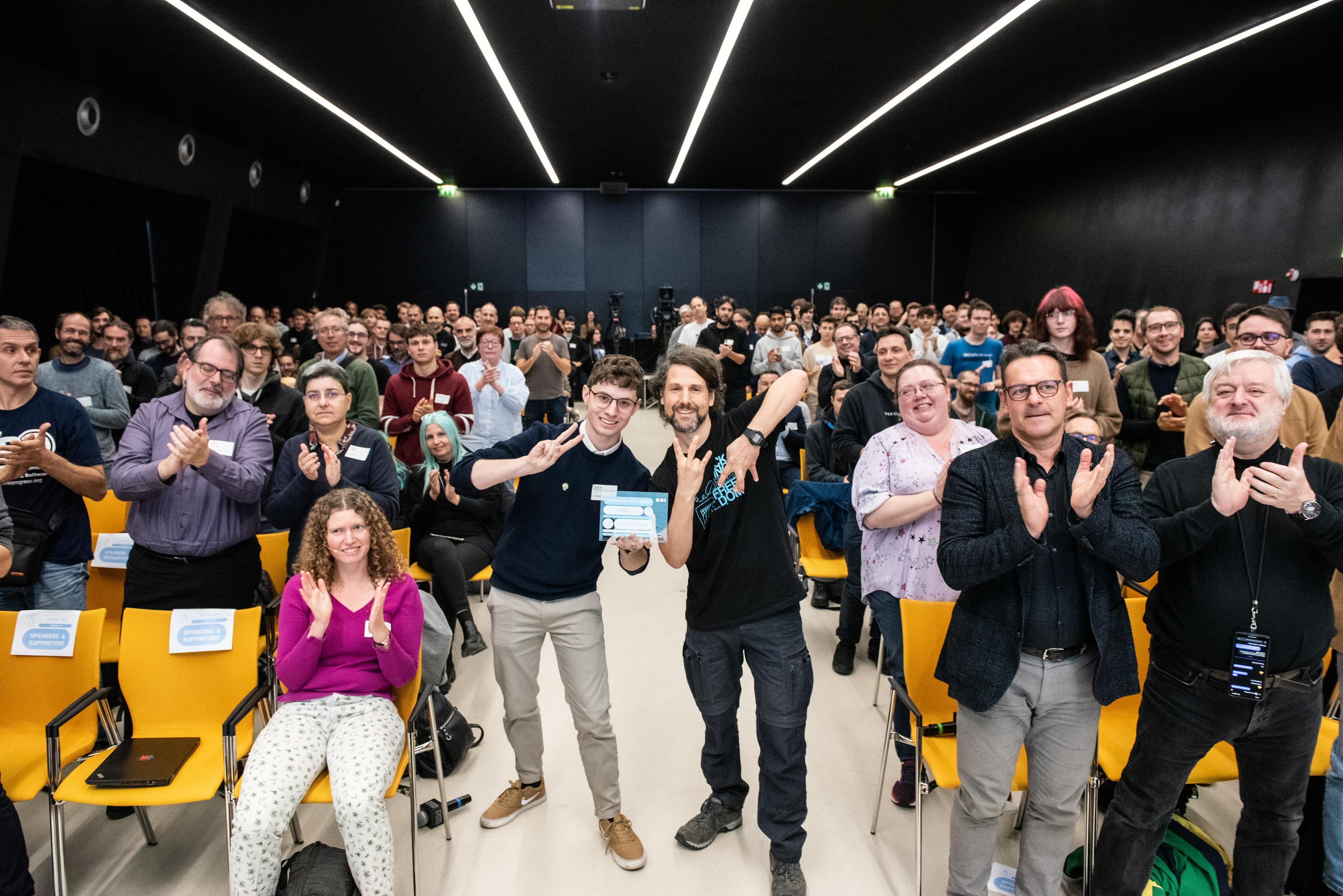
<p>It was a huge honour for me today with Raphael to posthumously hand over the European <a href="/tags/sfsaward/" rel="tag">#SFSAward</a> 2024 to <a href="/tags/vim/" rel="tag">#vim</a> developer Bram Moolenaar for his invaluable contributions to the <a href="/tags/freesoftware/" rel="tag">#FreeSoftware</a> community. </p><p>If you are a <a href="/tags/vim/" rel="tag">#vim</a> user, have been an <a href="/tags/vim/" rel="tag">#vim</a> user, or admire Bram's work, please boost this message. </p><p><a href="https://fsfe.org/news/2024/news-20241108-01.html" rel="nofollow" class="ellipsis" title="fsfe.org/news/2024/news-20241108-01.html"><span class="invisible">https://</span><span class="ellipsis">fsfe.org/news/2024/news-202411</span><span class="invisible">08-01.html</span></a></p>
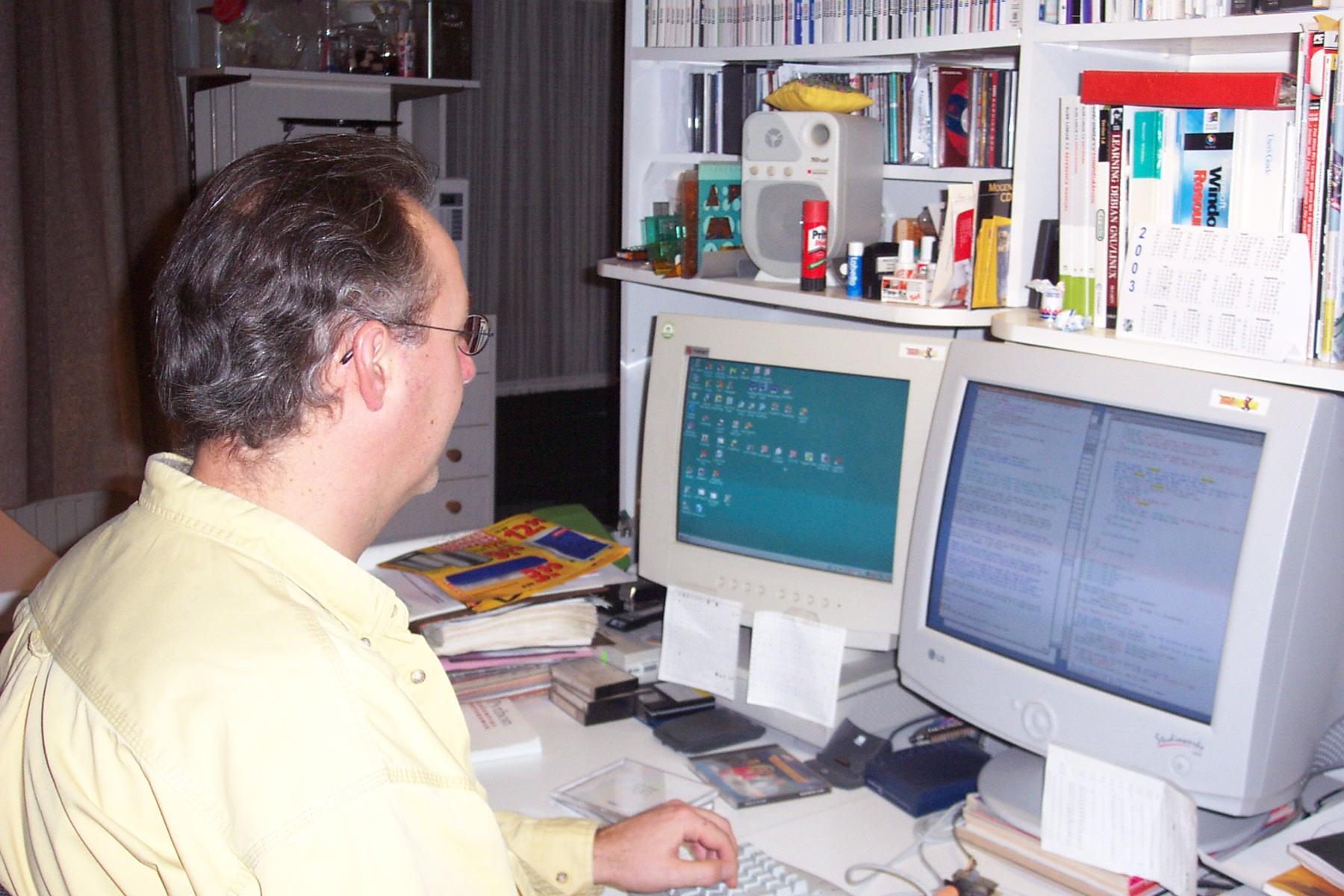
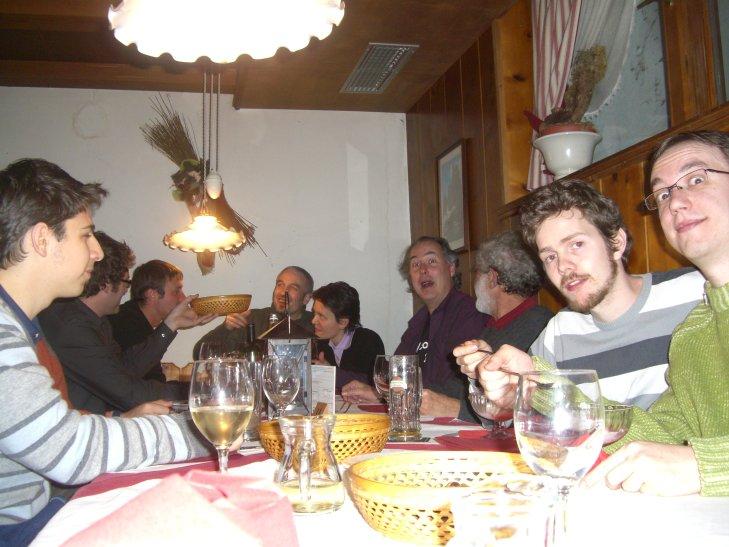
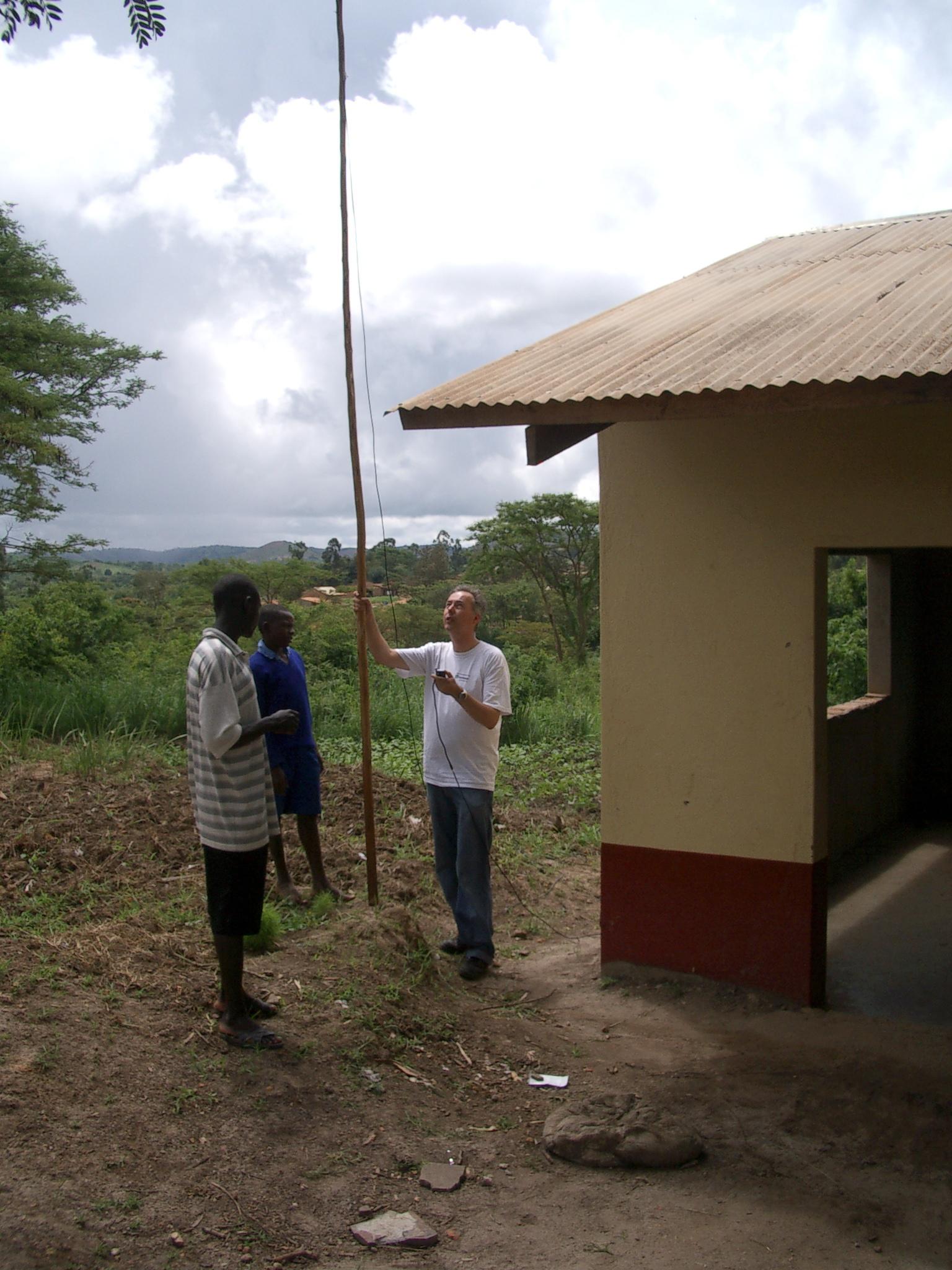
<p>❤️ With all the installations on <a href="/tags/gnu/" rel="tag">#GNU</a>/<a href="/tags/linux/" rel="tag">#Linux</a> (servers, vms, desktop, ... ), <a href="/tags/bsd/" rel="tag">#BSD</a> and <a href="/tags/unix/" rel="tag">#Unix</a> systems, <a href="/tags/macos/" rel="tag">#MacOS</a>, <a href="/tags/microsoft/" rel="tag">#Microsoft</a> <a href="/tags/windows/" rel="tag">#Windows</a> and WLS) I feel comfortable to claim there or way more than 1 billion installations of Vi*; often without people knowing about it.❤️</p><p>❤️ Thank you Bram Moolenaar, Christian Brabandt, the whole <a href="/tags/vim/" rel="tag">#Vim</a> community, and all the people from projects like <a href="/tags/neovim/" rel="tag">#NeoVIM</a>, <a href="/tags/nvi/" rel="tag">#Nvi</a>, <a href="/tags/busybox/" rel="tag">#Busybox</a> <a href="/tags/vi/" rel="tag">#Vi</a>, who develop and maintain their <a href="/tags/vim/" rel="tag">#vim</a> flavour. ❤️</p><p><a href="https://k7r.eu/thank-you-for-the-editor-of-the-beast/" rel="nofollow" class="ellipsis" title="k7r.eu/thank-you-for-the-editor-of-the-beast/"><span class="invisible">https://</span><span class="ellipsis">k7r.eu/thank-you-for-the-edito</span><span class="invisible">r-of-the-beast/</span></a> ❤️ <a href="/tags/ilovefs/" rel="tag">#ilovefs</a> ❤️</p>
Having way too much fun re configuring my old <a href="/tags/vim/" rel="tag">#Vim</a> setup and I haven't even got to the LSP and linting side of things yet. That'll get setup a little later probably using ALE and COC but I'm not 100% just yet ? I might even push my config to my git repo to share or allow others to show me the error of my ways.<br><a href="/tags/freebsd/" rel="tag">#FreeBSD</a> <a href="/tags/runbsd/" rel="tag">#RunBSD</a><br>

Can anybody give advice on how to quit <a href="/tags/vscode/" rel="tag">#VSCode</a> and finally start using <a href="/tags/vim/" rel="tag">#vim</a> (or <a href="/tags/nvim/" rel="tag">#nvim</a>, for that matter) for the rest of my life??<br>

Configuring <a href="/tags/vim/" rel="tag">#Vim</a> as a Writing Tool<br><a href="https://itsfoss.com/news/configuring-vim-writing/" rel="nofollow" class="ellipsis" title="itsfoss.com/news/configuring-vim-writing/"><span class="invisible">https://</span><span class="ellipsis">itsfoss.com/news/configuring-v</span><span class="invisible">im-writing/</span></a><br>
Edited 52d ago

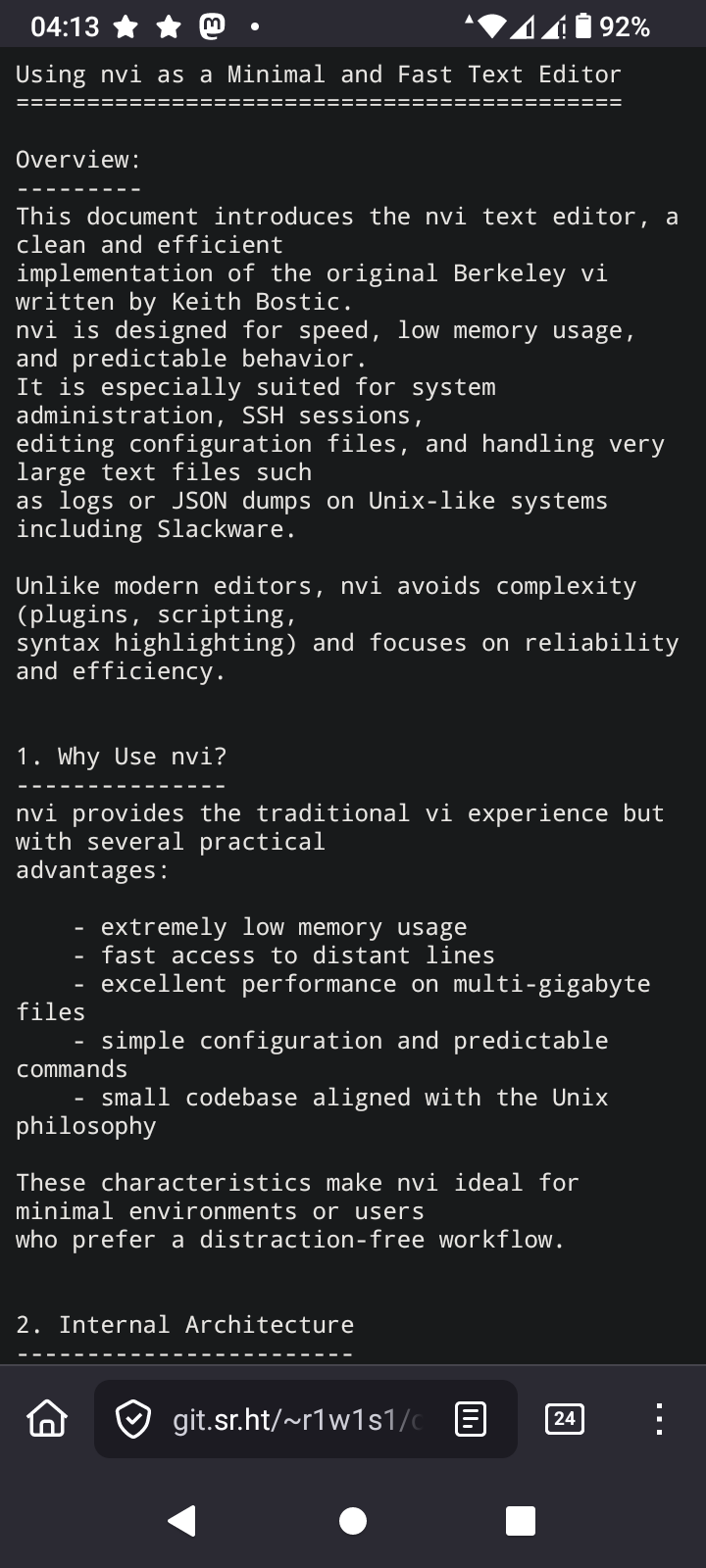
<p>TIL again, about low ram footprint editors in OpenSource environments.</p><p>In the period where the following commands were valid</p><p>ATX3DT <br>ATA </p><p>Such editors were standard. I'm talking about vi. Over extremely noisy POTS lines without error correction, vi was the only editor you could use safely. I remember switching from editing mode to reading mode as frequently as possible, because the 2400 BPS modem from the SR University, had difficulty to keep the line as noise free as possible due to the archaic hardware infrastructure of the phone company.</p><p>The editor I'm learning again about is nvi<br>I'm going to take a deep dive into this, because one thing I love is using the least memory as possible while computing </p><p><a href="/tags/vi/" rel="tag">#vi</a> <a href="/tags/nvi/" rel="tag">#nvi</a> <a href="/tags/vim/" rel="tag">#vim</a> <a href="/tags/vimmasterrace/" rel="tag">#VimMasterRace</a> <a href="/tags/editor/" rel="tag">#editor</a> <a href="/tags/ssh/" rel="tag">#SSH</a> <a href="/tags/at/" rel="tag">#AT</a> <a href="/tags/hayes/" rel="tag">#Hayes</a> <a href="/tags/opensource/" rel="tag">#OpenSource</a> <a href="/tags/programming/" rel="tag">#programming</a> <a href="/tags/linux/" rel="tag">#Linux</a> <a href="/tags/technology/" rel="tag">#technology</a> </p><p><a href="https://4c6e.xyz/code_notes.html" rel="nofollow"><span class="invisible">https://</span>4c6e.xyz/code_notes.html</a></p>
Edited 114d ago

<p>self-report</p><p><a href="/tags/unix_surrealism/" rel="tag">#unix_surrealism</a> <a href="/tags/comic/" rel="tag">#comic</a> <a href="/tags/vim/" rel="tag">#vim</a> <a href="/tags/vi/" rel="tag">#vi</a> <a href="/tags/openbsd/" rel="tag">#openbsd</a> <a href="/tags/technomage/" rel="tag">#technomage</a> <a href="/tags/edisthestandardeditor/" rel="tag">#edisthestandardeditor</a></p>

Edited 109d ago
<a href="/tags/vim/" rel="tag">#Vim</a> 9.2 Released<br><br>Amongst other changes Vim now adheres to the XDG Base Directory Specification, using $HOME/.config/vim for user configuration.<br><br><a href="https://www.vim.org/vim-9.2-released.php" rel="nofollow" class="ellipsis" title="www.vim.org/vim-9.2-released.php"><span class="invisible">https://</span><span class="ellipsis">www.vim.org/vim-9.2-released.p</span><span class="invisible">hp</span></a><br>
Edited 50d ago
So it seems <a href="/tags/vim/" rel="tag">#Vim</a> 9.2 is now available on <a href="/tags/termux/" rel="tag">#Termux</a> so I can test out the new features whilst waiting for it arriving on <a href="/tags/freebsd/" rel="tag">#FreeBSD</a> 😀<br>

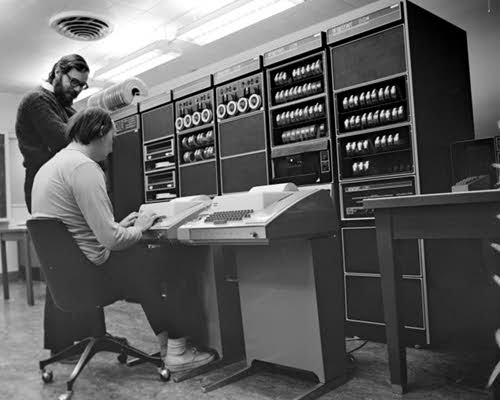
<p>Intentando evadirme un poco de todo el follón del mundo, que uff, que difícil me lo estáis poniendo para que no vuelva a las drogas, aquí os dejo "La 2ª parte de porqué uso Emacs" pero viene con historia sobre los editores UNIX y la historia de Vi/VIM. Espero que podáis disfrutarla.</p><p><a href="https://maxxcan.codeberg.page/2026-01-03-por-qué-elegí-emacs-como-mi-editor-avanzado(2-parte).html" rel="nofollow" class="ellipsis" title="maxxcan.codeberg.page/2026-01-03-por-qué-elegí-emacs-como-mi-editor-avanzado(2-parte).html"><span class="invisible">https://</span><span class="ellipsis">maxxcan.codeberg.page/2026-01-</span><span class="invisible">03-por-qué-elegí-emacs-como-mi-editor-avanzado(2-parte).html</span></a></p><p> <a href="/tags/emacs/" rel="tag">#emacs</a> <a href="/tags/vim/" rel="tag">#vim</a> <span class="h-card"><a href="https://social.sachachua.com/@sacha" class="u-url mention" rel="nofollow noopener noreferrer" target="_blank">@<span>sacha</span></a></span> <span class="h-card"><a href="https://mastodon.social/@emacsel" class="u-url mention" rel="nofollow noopener noreferrer" target="_blank">@<span>emacsel</span></a></span> <span class="h-card"><a href="https://mastodon.green/@emacstips" class="u-url mention" rel="nofollow noopener noreferrer" target="_blank">@<span>emacstips</span></a></span></p>
Edited 90d ago