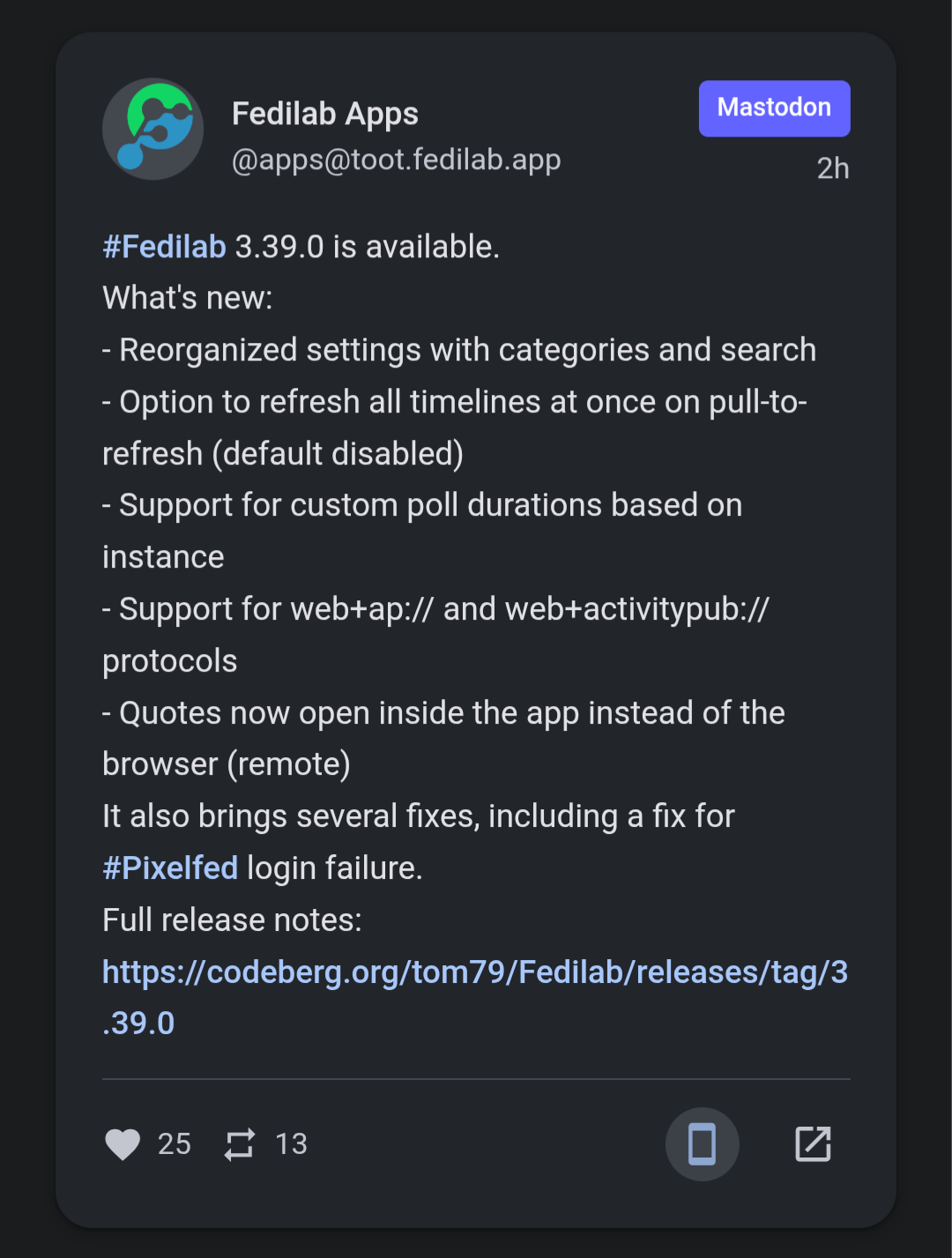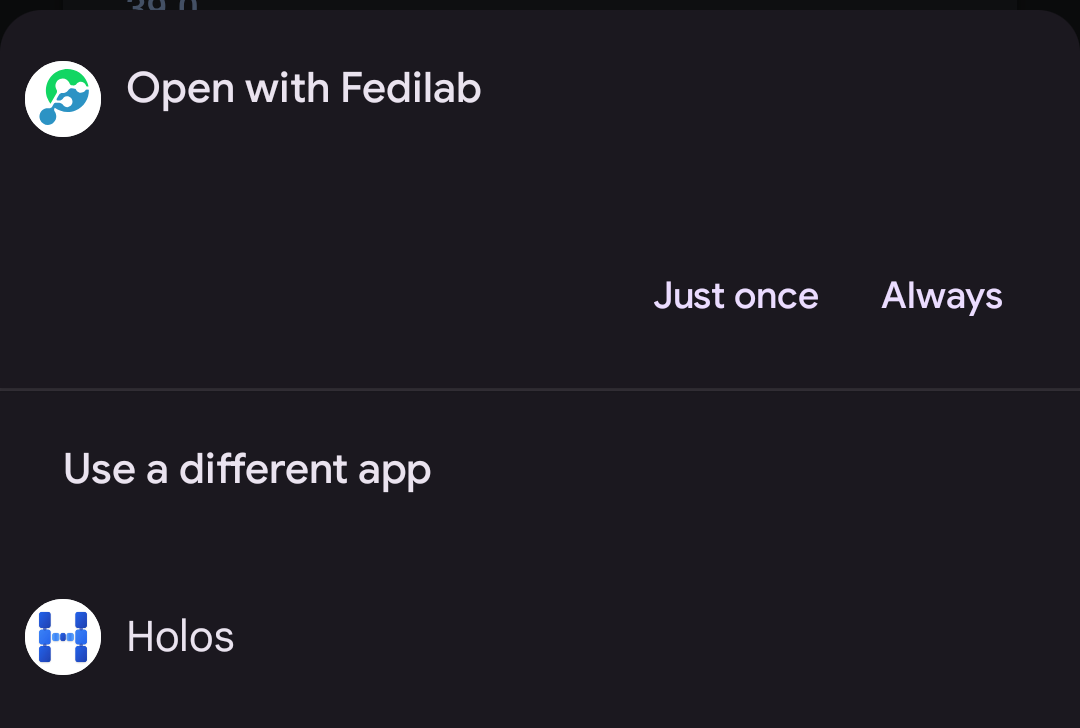
Now #Fedilab and #HolosSocial use "web+ap://" to open messages or profiles inside the app, like Conversations does (https://github.com/tuskyapp/Tusky/issues/5027).
#HolosDiscover now has a dedicated button to open messages in apps supporting it.
Now #Fedilab and #HolosSocial use "web+ap://" to open messages or profiles inside the app, like Conversations does (https://github.com/tuskyapp/Tusky/issues/5027).
#HolosDiscover now has a dedicated button to open messages in apps supporting it.
#Fedilab 3.34.1 has been published.
Added:
- Add content descriptions to tabs in top bar
- Add accessibility action to toggle media sensitivity of posts in timelines
- Add accessibility actions to translate, download, share in media viewer
- Add a language indicator to focused status
- Add Persian language to "Change the language" preference
- Add new app logo
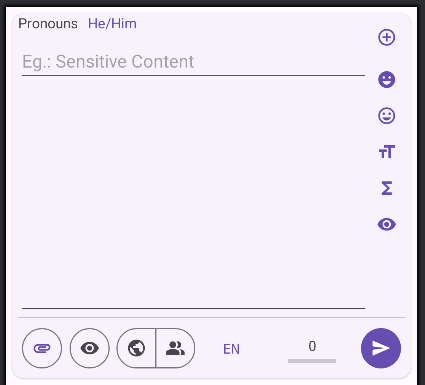
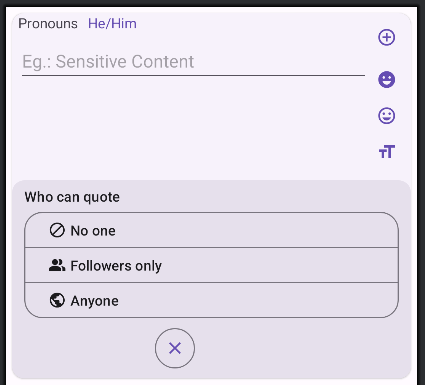
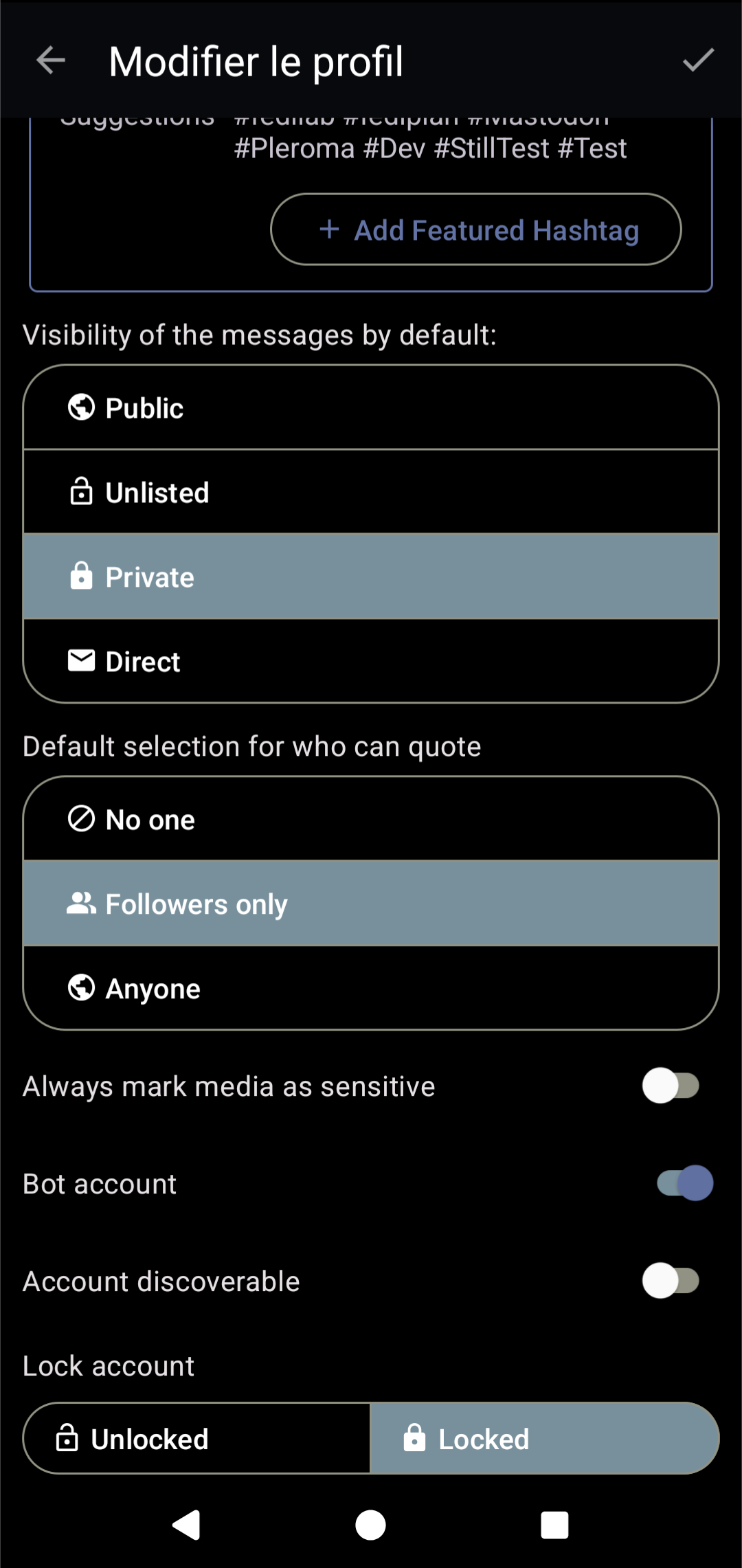
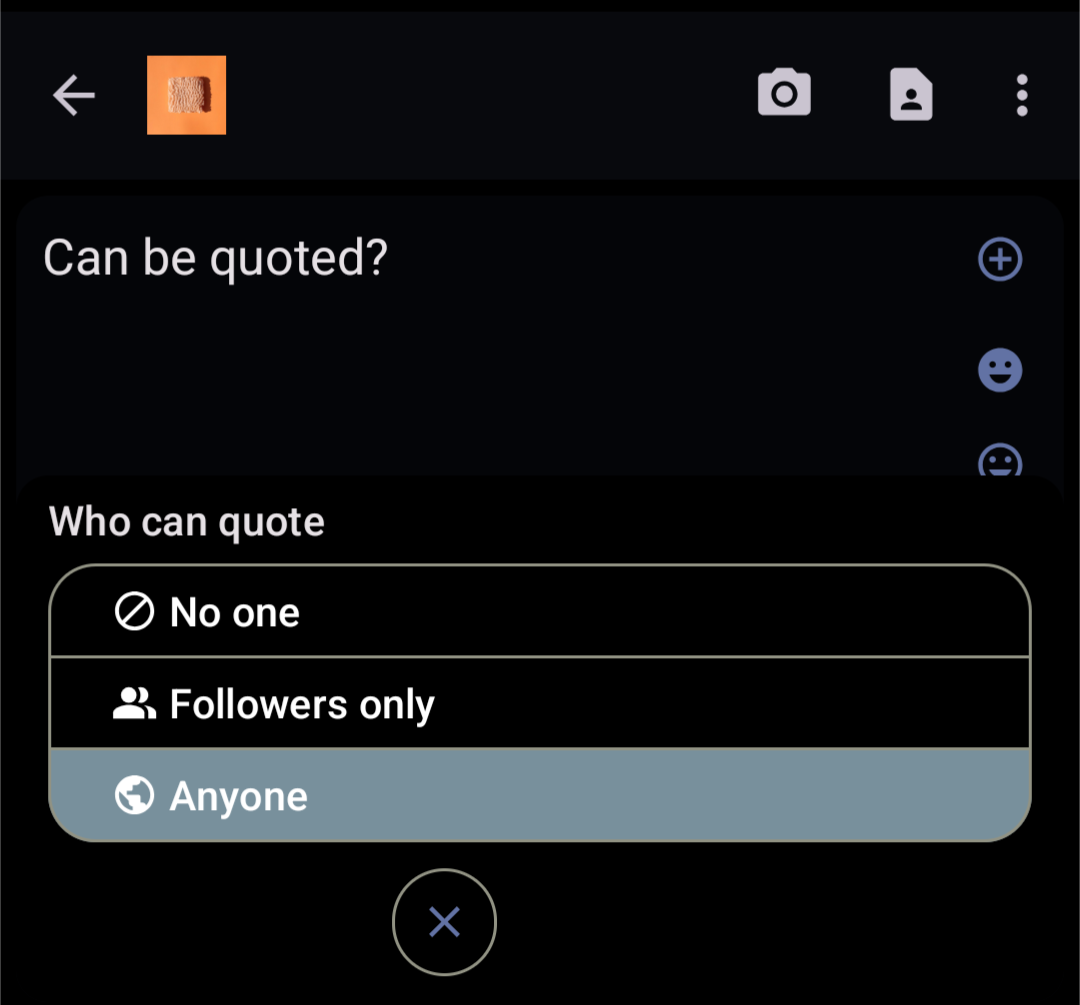
Now, we will work on the quoting feature when composing with #Fedilab.
- We will allow to set its default value in profile settings: anyone can quote, only followers or no one.
- When composing, this value could be changed and will be available only for messages having the public or quiet visibility.
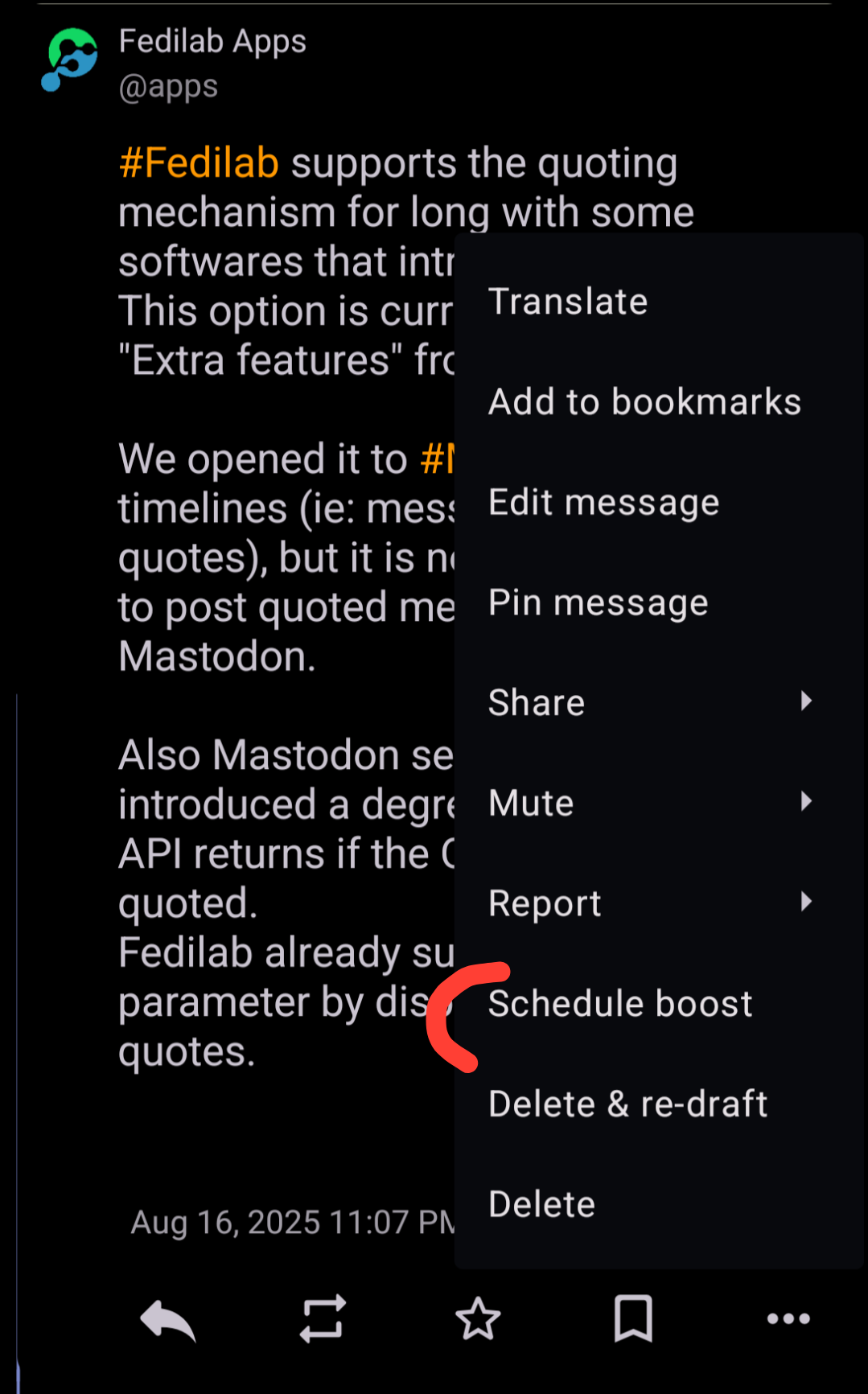
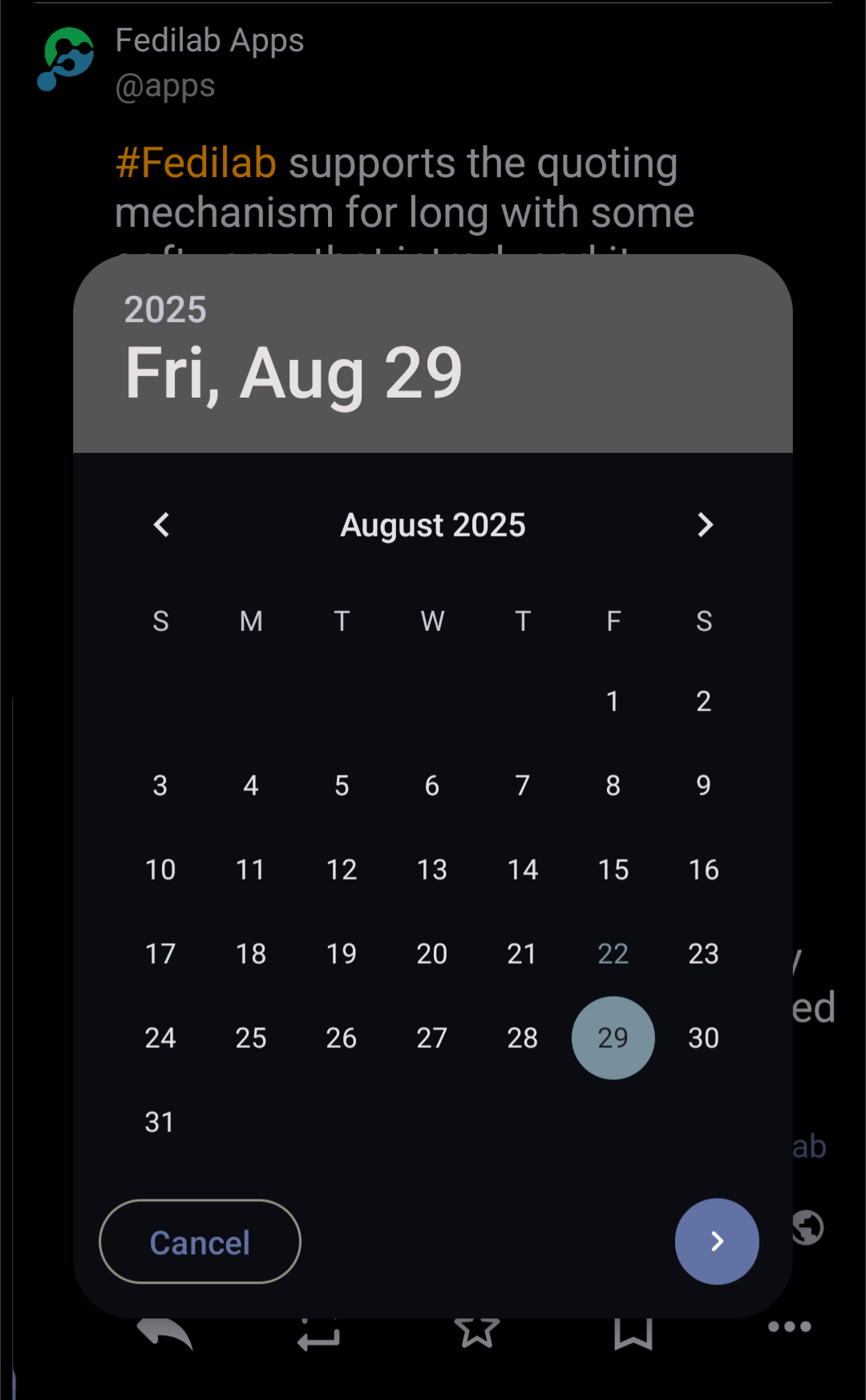
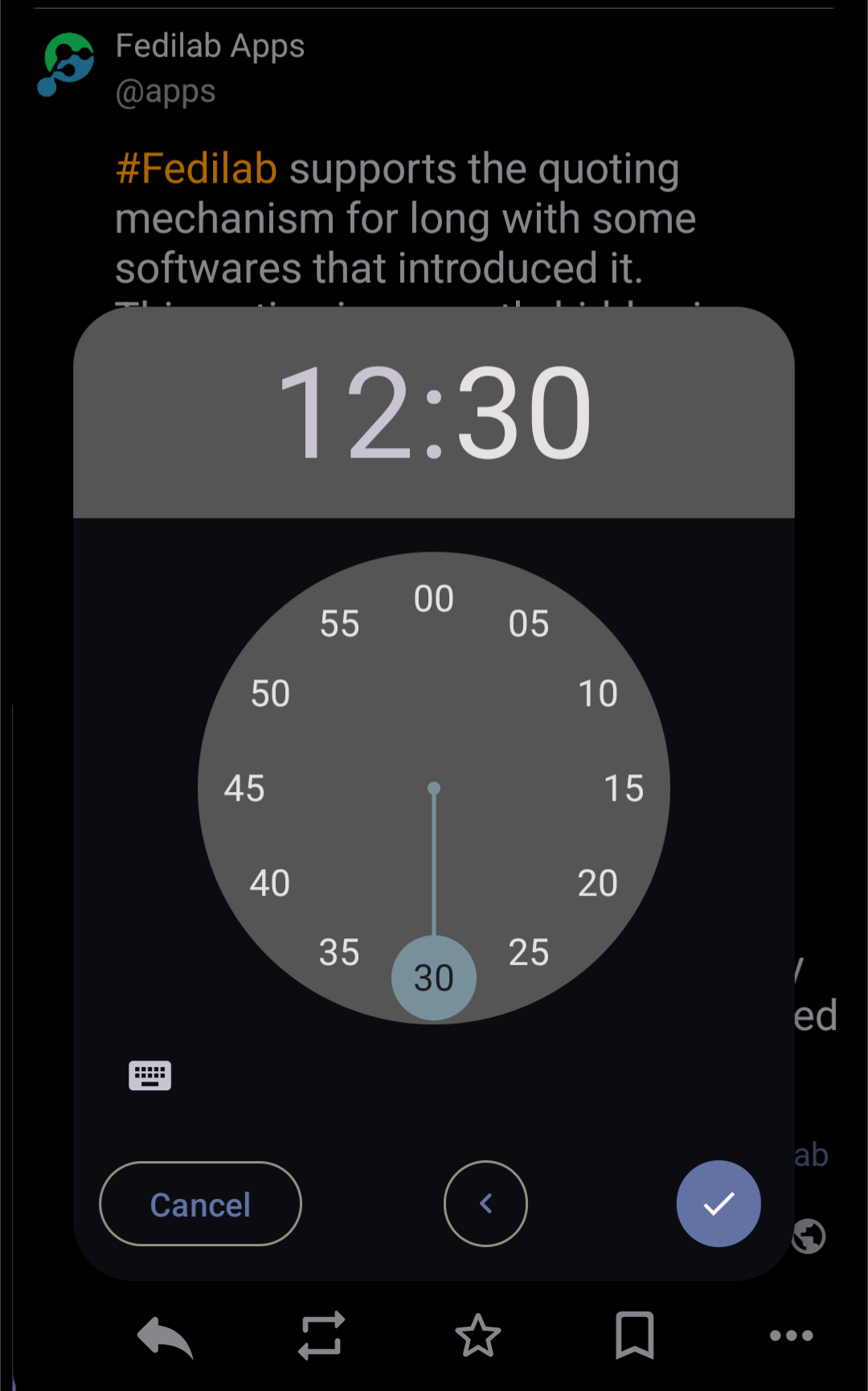
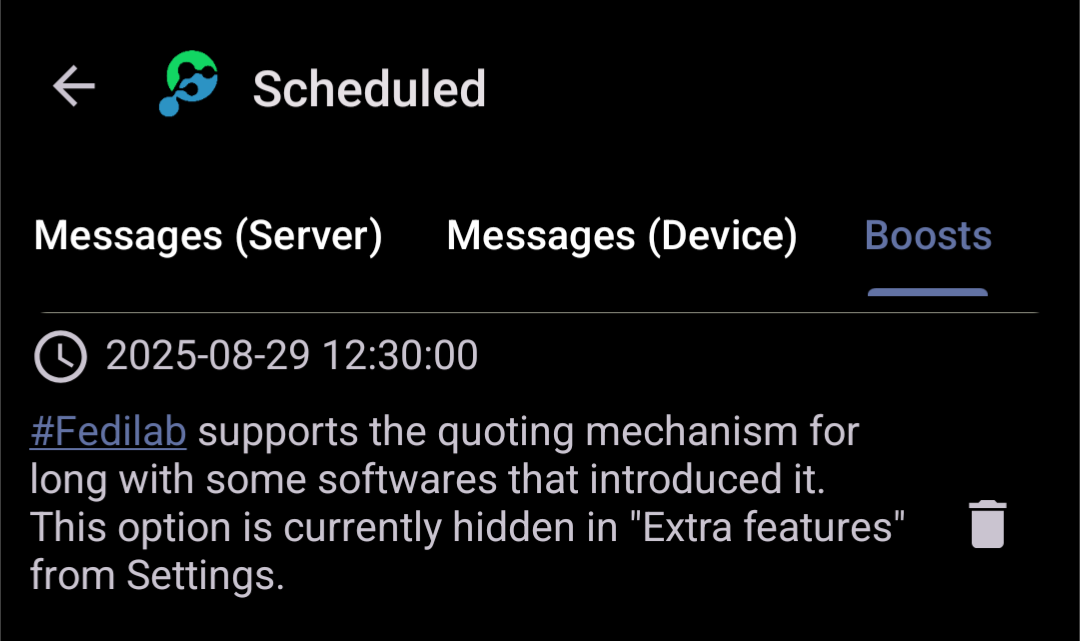
With #Fedilab, you can schedule boosts. As this is still an in-app feature, this is done through your device.
#Fedilab 3.34.0-beta-1 has been published for beta testers (Google/FDroid)
Added:
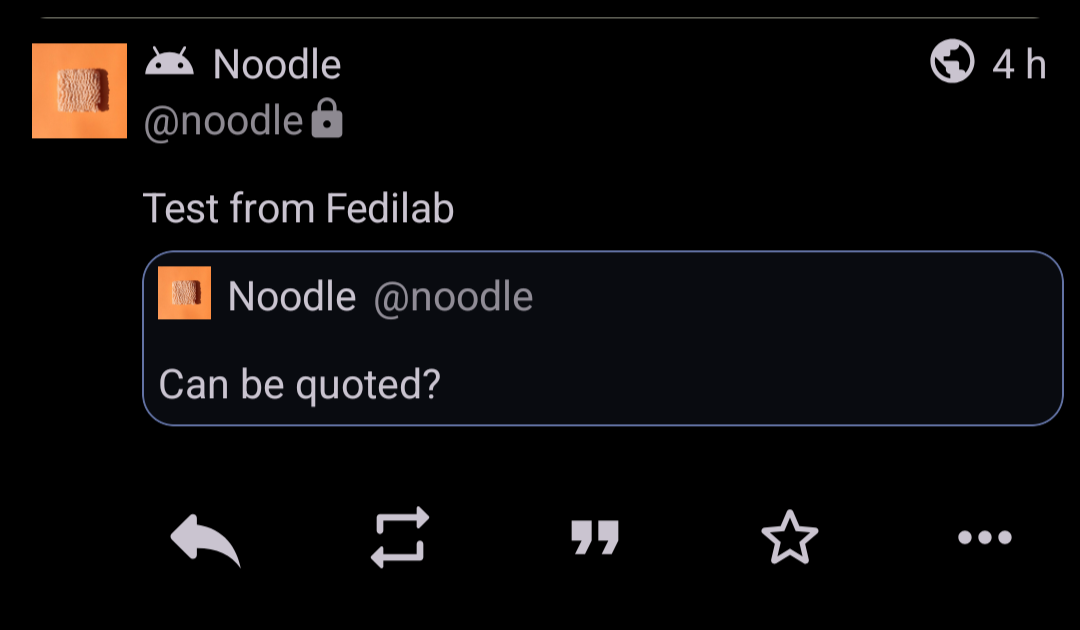
- Quote support for Mastodon
- Long press on tags: Follow / Mute
Changed:
- Limit the number of highlighted hashtags at the bottom of messages
Fixed:
- Fix a crash with threads
- Fix empty Hashtags
#Fedilab is now ready for the new #Mastodon quote feature.
We opened an issue so accounts can manage the default policy for quotes in their profile and Mastodon devs already added it.
In this process, our main issue was to keep the compatibility of the quote feature that was previously implemented for others software (as they work differently - no policy). Fedilab will be able to detect and support both of them.
#Fedilab 3.34.0-beta-2 has been published
Added:
- 3-Dots menu for remote conversations (Federation in background)
Changed:
- Improve accessibility in media activity
- Improve content descriptions
- Update languages
- Update launcher icons, add more monochrome icons
Fixed:
- Fix text selection that stops working when composing (old bug)
Google seems to be long for publishing the versions, we added the apk file in release notes (⚠️ it's a beta version):
https://codeberg.org/tom79/Fedilab/releases/tag/3.34.0-beta-2
We will be working this week on #Fedilab 3.36.2, fixing reported issues and adding some enhancements.
We do check our bookmarked messages, but #Codeberg remains the best way to submit issues.
https://codeberg.org/tom79/Fedilab/issues
Next week I will work on #Fedilab fixes and enhancements.
Just a reminder, please report your issues (bug reports/suggestions) on the repo: https://codeberg.org/tom79/Fedilab/issues
It's also the best place to check whether a similar ticket already exists that you could bump.
When working on issues, I filter by new tickets and recently updated ones.
#Fedilab 3.36.0-beta-2 is available.
Release notes at https://codeberg.org/tom79/Fedilab/releases/tag/3.36.0-beta-2
To #Fedilab beta testers, you have already identified some bugs. Be sure you won't have to wait long to see them fixed. We will also work on enhancements. Thank you for contributing to a stable release.
Tomorrow, we should be able to release #Fedilab 3.34.0 in production.
This release comes with the fix of two old annoying bugs:
- Selection of the text that stops working when composing
- Crashes when the fit preview image feature is enabled.
It will also fix a recent crash with conversations.
It will add the quoting support for Mastodon and also improve the experience with highlighted hashtags.
Three dots button menu will now be displayed for remote messages.
RE: https://mstdn.feddit.social/@admin/115999998144507024
@board
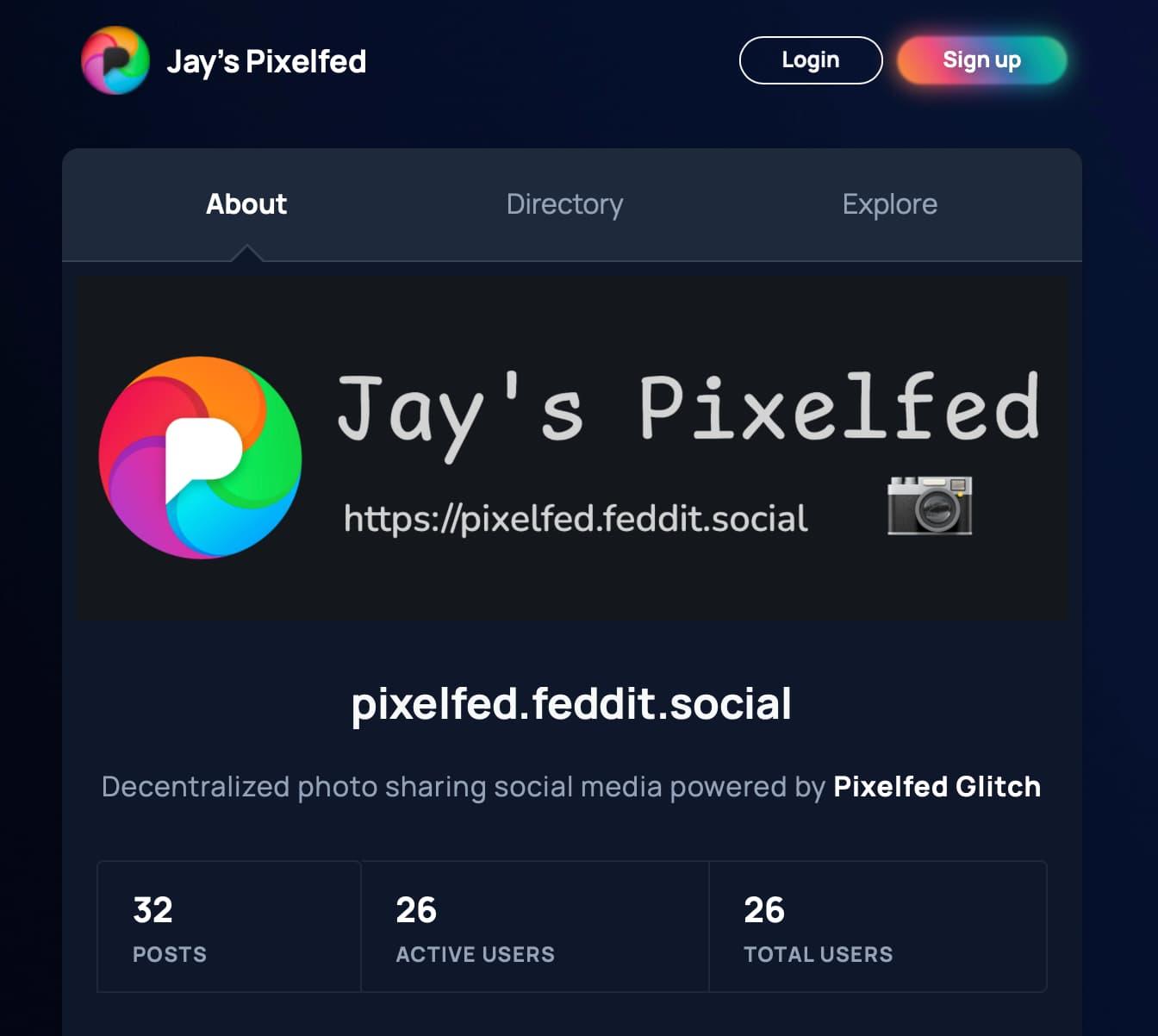
Jay's Pixelfed https://pixelfed.feddit.social 用户数量已经达到了惊人的26位😦,在此先感谢大家!
以下是我整理的关于移动端Pixelfed客户端详细🔎:
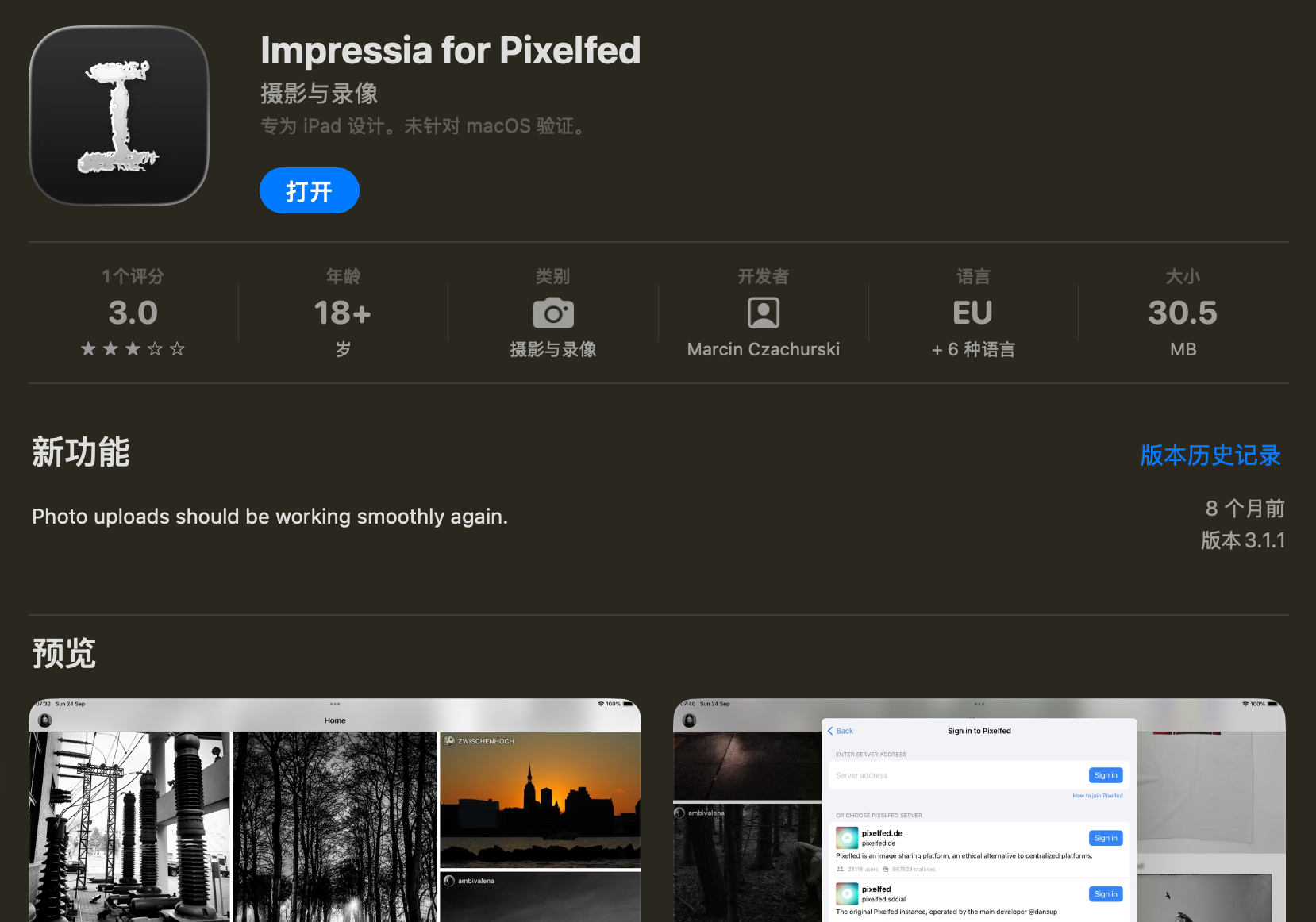
1. Impressia for Pixelfed(支持国区/美区)
先说Impressia的问题:https://github.com/Impressia/Impressia/issues/126
具体来说就是在“Impressia for Pixelfed”登录某实例,如果账户开启了2FA,会停留在实例主页而不是进入Authorize页面,而没有开启2FA的账户可以显示Authorize页面正常登录。(大部分人没有开启2FA,所以不用关心这个Bug)
现在有一个办法,就是先关闭2FA,登录完后再开启2FA。
(所以这个Bug一年了也不修吗,哈基Impressia你这家伙......)
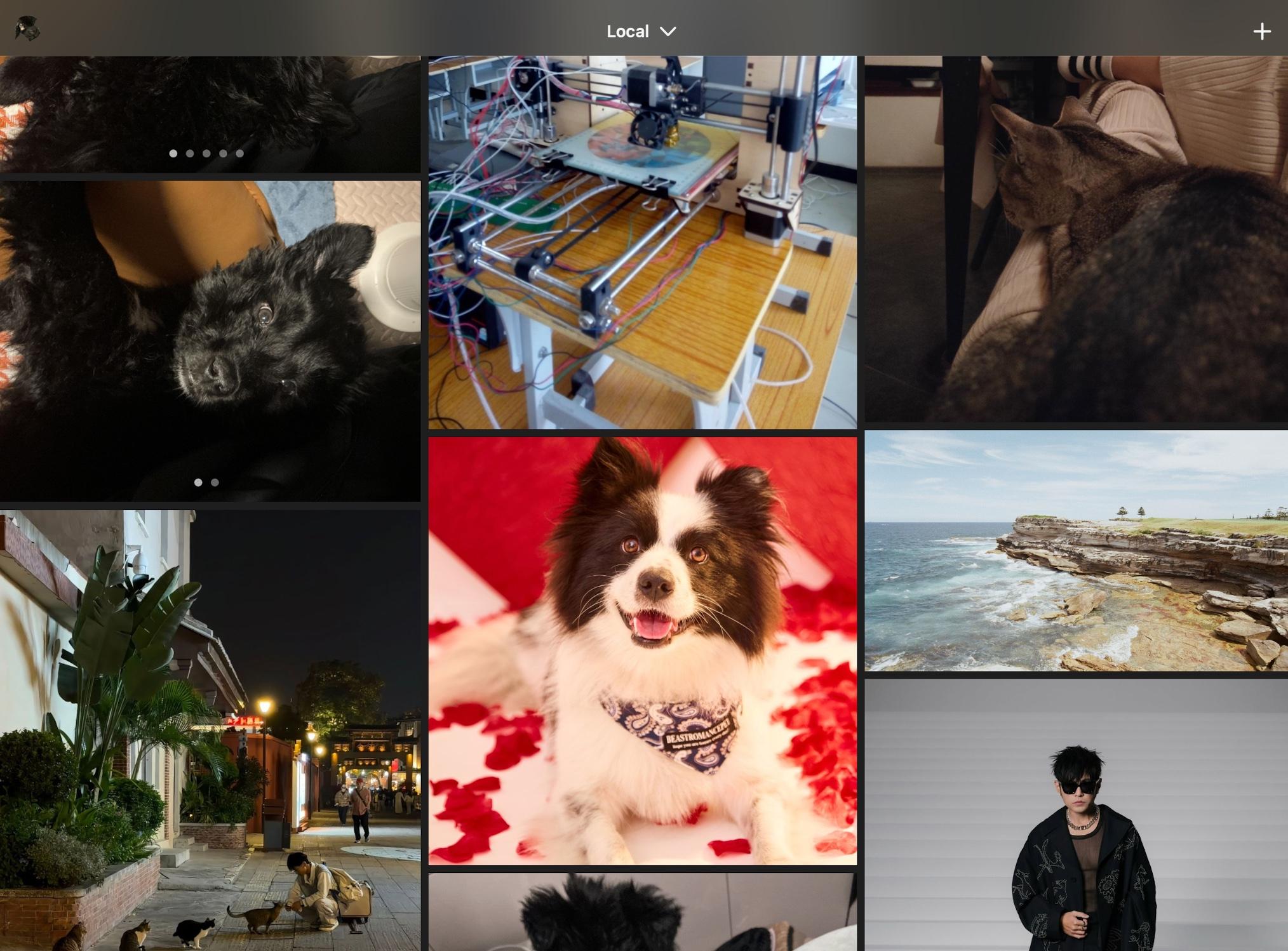
但是个人认为“Impressia for Pixelfed”是在Apple生态里最好的Pixelfed软件,作为开源免费软件,默认采用瀑布流,支持免费更改软件图标、主题、菜单栏、颜色风格、头像方圆...
https://apps.apple.com/us/app/impressia-for-pixelfed/id1663543216
2. 移动端App:
Apple:
可以在此查看更多的安卓/Apple Mobile-apps:https://pixelfed.org/mobile-apps
Pixelfed:最好不要用官方的软件,对于喜欢横屏的人来说太反人类了;
Pixelix(国区28¥/美区3.99$):也作为开源软件,在安卓免费,但是在App Store上是付费的(因为上架App Store本身需要付费);
Android:
安卓用户推荐使用Pixeldroid、Pixelix、Fedilab(全部免费开源);
Pixeldroid:
https://pixeldroid.org
https://gitlab.shinice.net/pixeldroid/PixelDroid
APK(F-Droid):https://f-droid.org/repo/org.pixeldroid.app_4104.apk
Pixelix:
https://app.pixelix.social
https://github.com/ghostbyte-dev/pixelix
APK(Github):https://ghfast.top/?q=https%3A%2F%2Fgithub.com%2Fghostbyte-dev%2Fpixelix%2Freleases%2Fdownload%2Fv4.2.0%2Fpixelix_v4.2.0.apk
Fedilab(F-Droid):
https://fedilab.app
https://github.com/caraesten/Fedilab
APK:https://f-droid.org/repo/fr.gouv.etalab.mastodon_540.apk
Web:
https://dev.phanpy.social 也支持登录Pixelfed实例,虽然缺失很多功能,但是可以胜任日常发帖刷时间线,其Apple端iPhanpy也已上线,等待修复登录bug即可使用:https://mastodon.social/@cheeaun/115995645667594072
3. 其他:
在macOS上用Impressia看Timeline效果还算不错,但是打开setting和“+”按钮秒闪退
或许将在不久后支持“Sign-in with Mastodon“
回复请删除[@]board[@]ovo.st
无AI生成
#impressia #pixelfed #bug #issue #pixeldroid #pixelix #fedilab
With #Fedilab you can see profiles or conversations remotely with a simple tap. That means the app will use the public API of remote instances to get all data that might not be known by your instance.
This is really useful to get all messages especially for small instances.
⚠️If you made the choice to enable remote conversations and/or remote profiles by default in settings, it will bring edge effects with the coloring of action buttons such boost, fav, etc. (1/2)
With #Fedilab, you can customize how timelines are displayed in the app.
For that just open "Main menu > Manage timelines".
You will be able to reorder your timelines by moving items. Hide a timeline by tapping on the eye icon. All timelines can be removed excepted default ones that can only be hidden.
Also, by tapping on the "+" button at the top right, you will be able to follow remote instances (and also Twitter accounts through #Nitter). #FedilabTips
The next release of #Fedilab will handle refreshes correctly with reversed timelines, especially the pull to refresh.
The #HolosSocial PR has also been merged on #FDroid, so the build is coming very soon.
Our next goal is to make #Fedilab fully compatible with the API 35 of Android. After August 31, Google will refuse updates that don't target this API version.
What version of #Fedilab do you use?
#Fedilab supports the quoting mechanism for long with some softwares that introduced it.
This option is currently hidden in "Extra features" from Settings.
We opened it to #Mastodon in timelines (ie: messages containing quotes), but it is not yet possible to post quoted messages with Mastodon.
Also Mastodon seems to have introduced a degree of privacy. The API returns if the OP accepted to be quoted.
Fedilab already supports this privacy parameter by displaying only accepted quotes.
#Fedilab 3.40.0 is available.
What's new:
- Allow bookmarks to be pinned as timeline tab
- Add custom emoji independent size setting with tap to preview
- Add emoji autocomplete in CW and poll fields
- Add reverse sort order for bookmarks and favourites
- Auto-hide bubble timeline when instance doesn't support it
Several enhancements and fixes. See the full release notes: https://codeberg.org/tom79/Fedilab/releases/tag/3.40.0
We are now in a stabilization phase for #Fedilab. We are waiting for the green light from beta testers before releasing 3.36.0.
We will work on #HolosSocial (@HolosSocial) for a few days to fix issues and bring E2EE for DMs.
I'll be taking a short break for two days (Thursday and Friday). First, I'll fix the immediate side effects of #Fedilab 3.40, then I'll move on to #HolosSocial fixes and improvements.