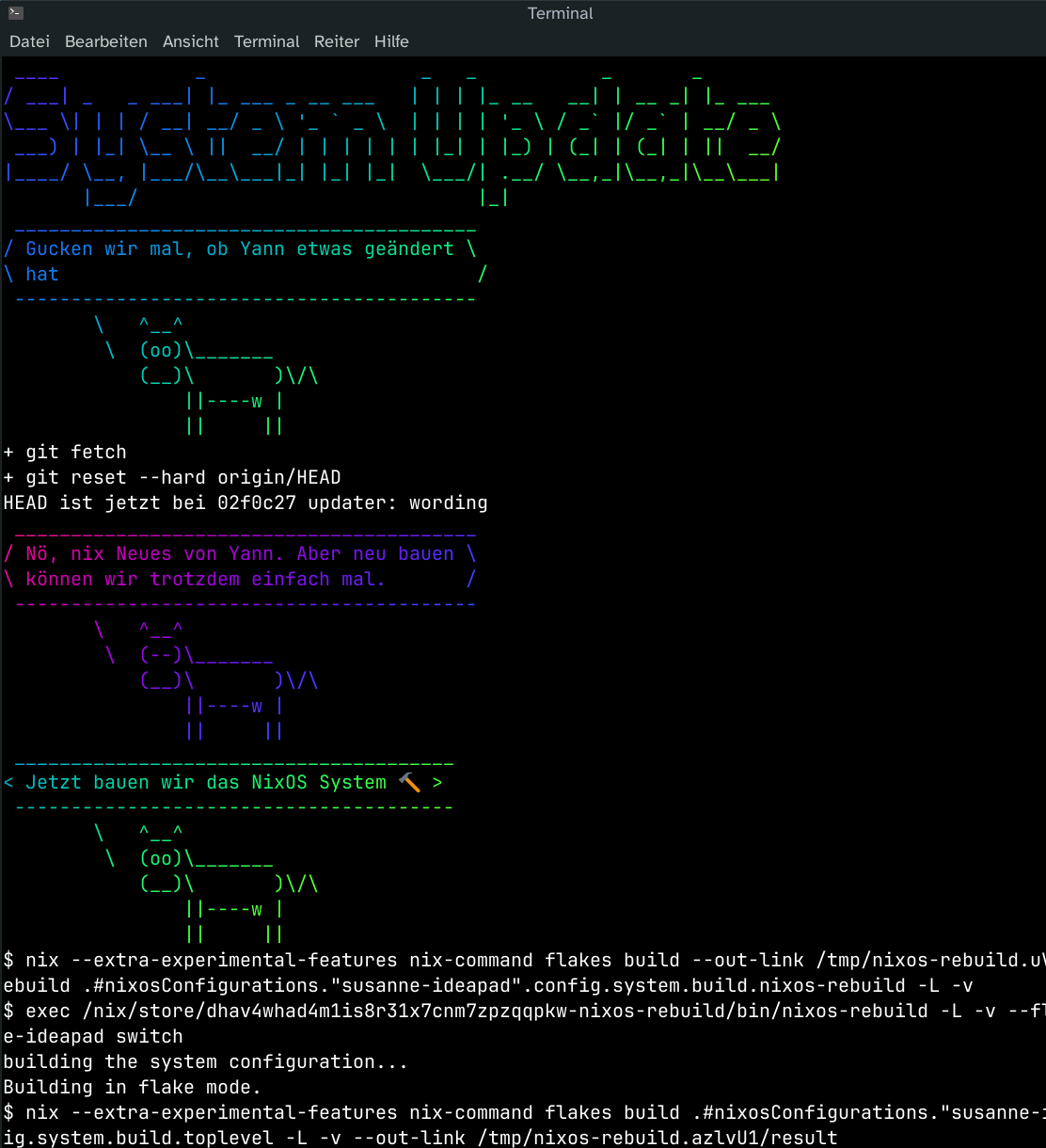
Did you know that you can run @ratatui_rs inside @ratatui_rs inside @kittyterminal inside @kittyterminal over #SSH?
Now you know.
Explanation in the alttext.
Did you know that you can run @ratatui_rs inside @ratatui_rs inside @kittyterminal inside @kittyterminal over #SSH?
Now you know.
Explanation in the alttext.
I yanked  #Manjaro off of my mother's laptop and replaced it with a nicely customized
  #NixOS.
She now has a button to pull config updates from my #homelab and build it (also done regularly in the background). Old versions stay selectable at boot.
When she has a problem, there's shortcuts for #RustDesk and ad-hoc reverse #SSH tunnels.
I can test everything in a VM, then add changes, she'll pick it up eventually or right away.
Loosely inspired by @codemonkeymike's #nixbook.
TIL again, about low ram footprint editors in OpenSource environments.
In the period where the following commands were valid
ATX3DT
ATA
Such editors were standard. I'm talking about vi. Over extremely noisy POTS lines without error correction, vi was the only editor you could use safely. I remember switching from editing mode to reading mode as frequently as possible, because the 2400 BPS modem from the SR University, had difficulty to keep the line as noise free as possible due to the archaic hardware infrastructure of the phone company.
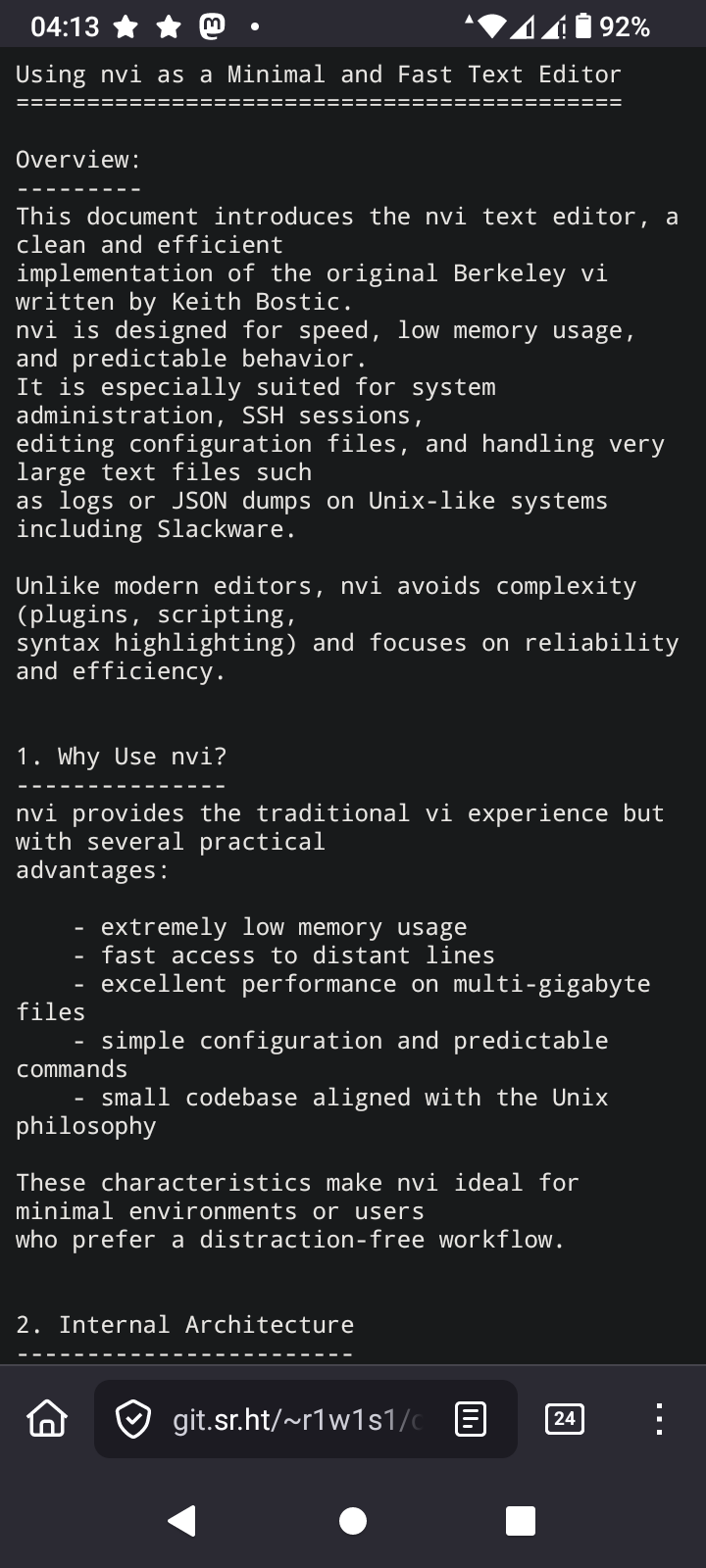
The editor I'm learning again about is nvi
I'm going to take a deep dive into this, because one thing I love is using the least memory as possible while computing
#vi #nvi #vim #VimMasterRace #editor #SSH #AT #Hayes #OpenSource #programming #Linux #technology
https://4c6e.xyz/code_notes.html
用 #SSH 连接到 #Git 仓库似乎比 HTTPS 稳定多了,刚才把 commit 推送到 Codeberg 一直出现 SSL 问题,我还以为是代理或者 Codeberg 本身的问题,但访问 codeberg.org 又没问题。之前推送到 GitHub 也会偶尔出现这种问题,估计是网络环境不稳定导致的。
如果是 SSL 的问题的话,那不用 HTTPS 不就行了吗?于是把 remote 换成了 SSH 链接,由于 Codeberg 有我的 SSH 公钥,所以连密码验证都不需要了,而且连接非常稳定,问题瞬间解决。
以后就用纯 SSH + SSH Key 连接所有的远程 Git 仓库,有点太好用,HTTPS 和 PGP/GPG Key 可以站一边去了。:discordcool:
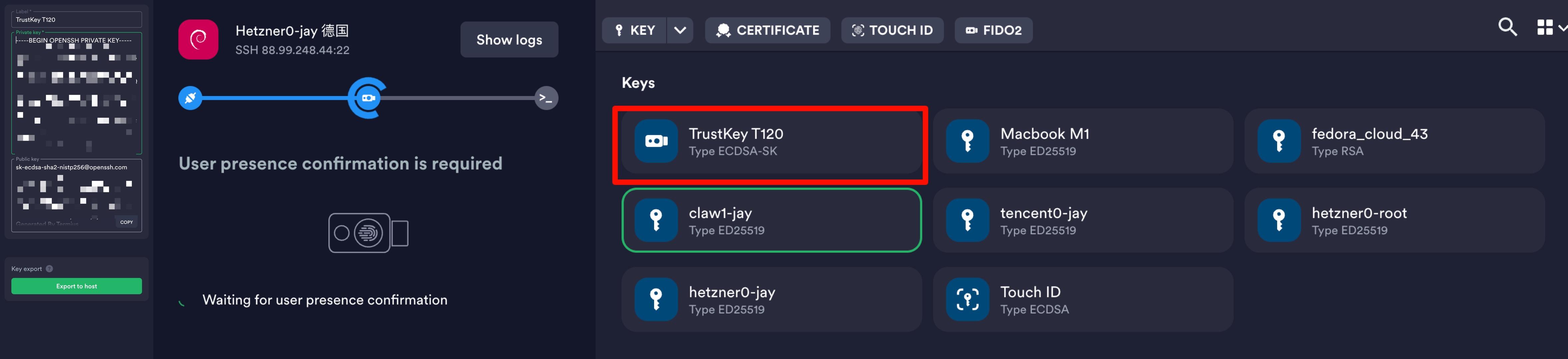
termius上还可以将fido2作为keychain
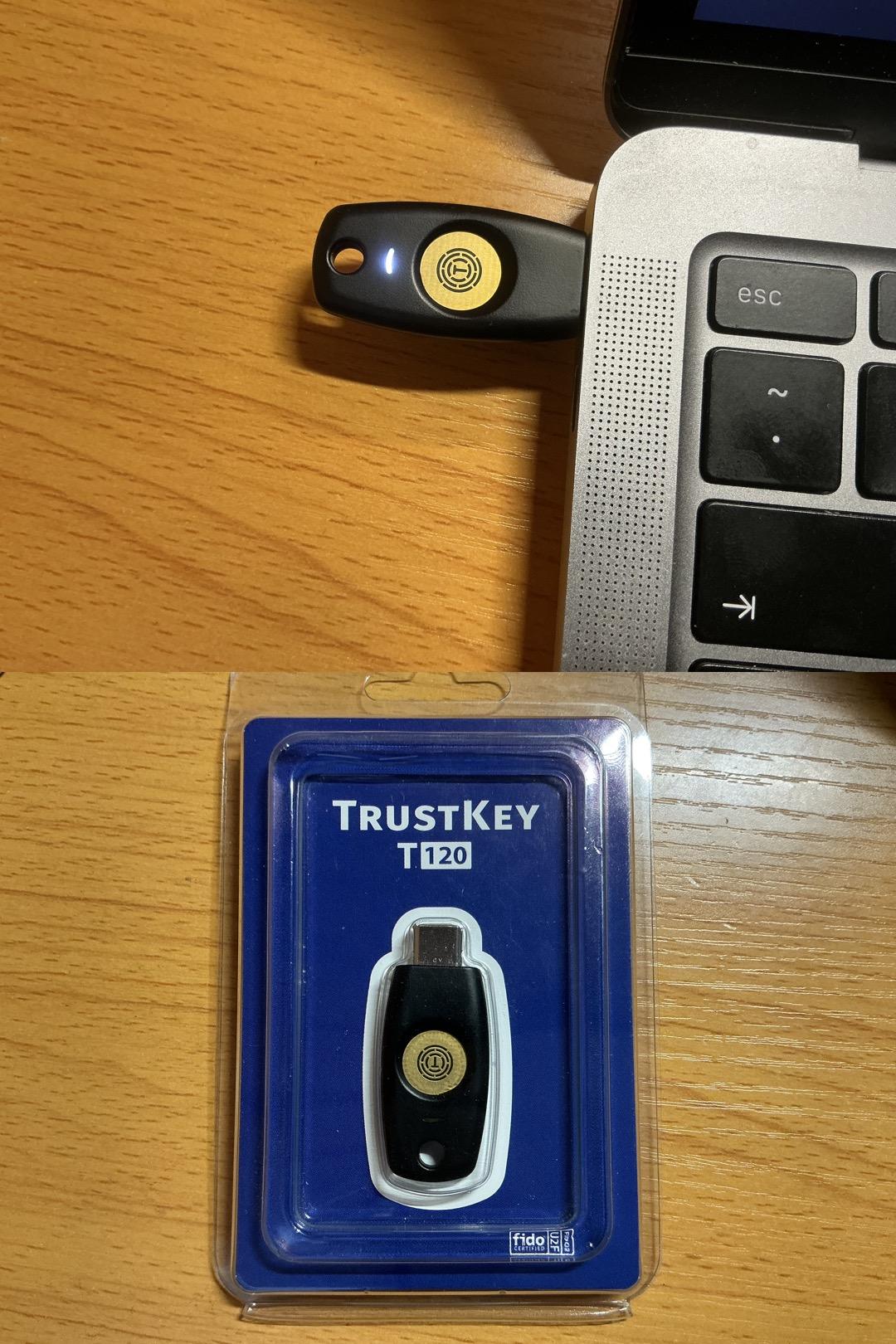
突然想起来大一上学期买了一个TrustKey T120
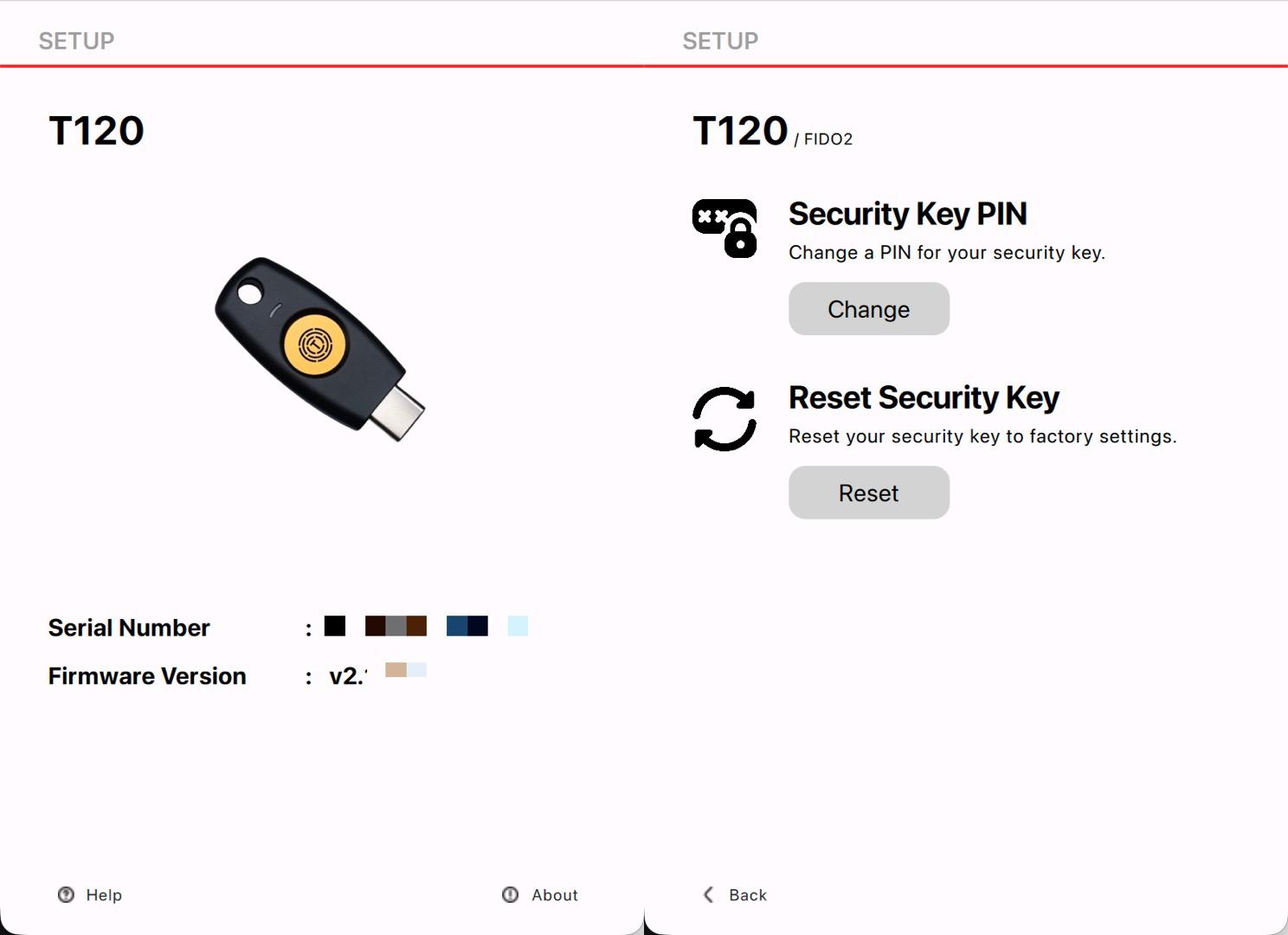
试着配置突然想起来自己忘记了PIN
去官网找到了reset方法和管理软件
PDF:https://www.trustkey.jp/manual/biomanager_user_manual_eng_v3.3.pdf
Download:https://www.trustkeysolutions.com/en/sub/support.form
ok重置好pin🔒和指纹了
找了个时间优化了服务器便利性和“安全性”
1. Termius访问
Termius生成三个密钥分配给三台服务器
export到~/.ssh/authorized_keys
检查authorized_keys内容正确
测试密钥&无密码登录
2. 配置ufw
sudo ufw default deny incoming
sudo ufw default allow outgoing
sudo ufw allow http
sudo ufw allow https
sudo ufw allow 特殊端口/tcp
sudo ufw enable
sudo ufw status verbose
3. 配置fail2ban
sudo nano /etc/fail2ban/jail.local
[DEFAULT]
bantime = 1h
findtime = 10m
maxretry = 5
banaction = ufw
ignoreip = 127.0.0.1/8 ::1 X Y Z
[sshd]
enabled = true
port = 特殊端口
backend = systemd
sudo apt update && sudo apt install python3-systemd -y
sudo systemctl enable --now fail2ban
sudo systemctl restart fail2ban
sudo fail2ban-client status sshd
3. 配置sshd_config
sudo nano /etc/ssh/sshd_config
Port 特殊端口
PermitRootLogin no
PubkeyAuthentication yes
PasswordAuthentication no
sudo sshd -t
sudo systemctl restart ssh
4. 更改hostname
sudo hostnamectl set-hostname xxx
sudo nano /etc/hosts
修改127.0.1.1 后主机名为xxx
hostnamectl status
5. 配置互通
ssh-keygen -t ed25519 -C "from_$(hostname)" -N "" -f ~/.ssh/id_ed25519
cat id_ed25519.pub
nano ~/.ssh/authorized_keys
一共三行,Termius pub、其他两台服务器的pub
6. 配置Alias
nano ~/.bashrc
alias nc='ssh -p 特殊端口 jay@ipX'
alias cc='ssh -p 特殊端口 jay@ipY'
alias hd='ssh -p 特殊端口 jay@ipZ'
source ~/.bashrc
nc (netcup)
cc (clawcloud)
hd (hostdzire)
或者
nano ~/.ssh/config
Host nc
HostName X
Port 特殊端口
User jay
Host cc
HostName Y
Port 特殊端口
User jay
Host hd
HostName Z
Port 特殊端口
User jay
ssh nc
ssh cc
ssh hd
还可以加上“ProxyJump cc”连 xxx 之前先跳到 cc
#ssh #sshd #pub #alias #ProxyJump #authorized_keys #termius #ufw #fail2ban
Wait, dead mic?
Alright, it is in fact Sunday-morning-in-Europe but I am elbow-deep in setting up some machine over the world's slowest network connection, so if you're into that this is that. #lispyGopherClimate #emacs #ssh #actuallySshX Just building #acl2 and #lambdaMOO . ( #lisp, #logic and #mud ) (and #i2p but there's no accounting for taste).
https://toobnix.org/w/gXLXQqxf5MYg1NDF2Ua6oA
Every week since 2022 ! #peertube #podcast #tech #live every 8am Sunday UTC.
I am experimenting with git #SSH keys on #YubiKey. Pretty much https://thenets.org/posts/using-a-yubikey-5c-for-ssh-and-git-authentication-on-linux/ by @thenets
Typing the PIN all the time is not pleasant. Do you know any FIDO2-aware SSH agent?